A4 frames when space is tight
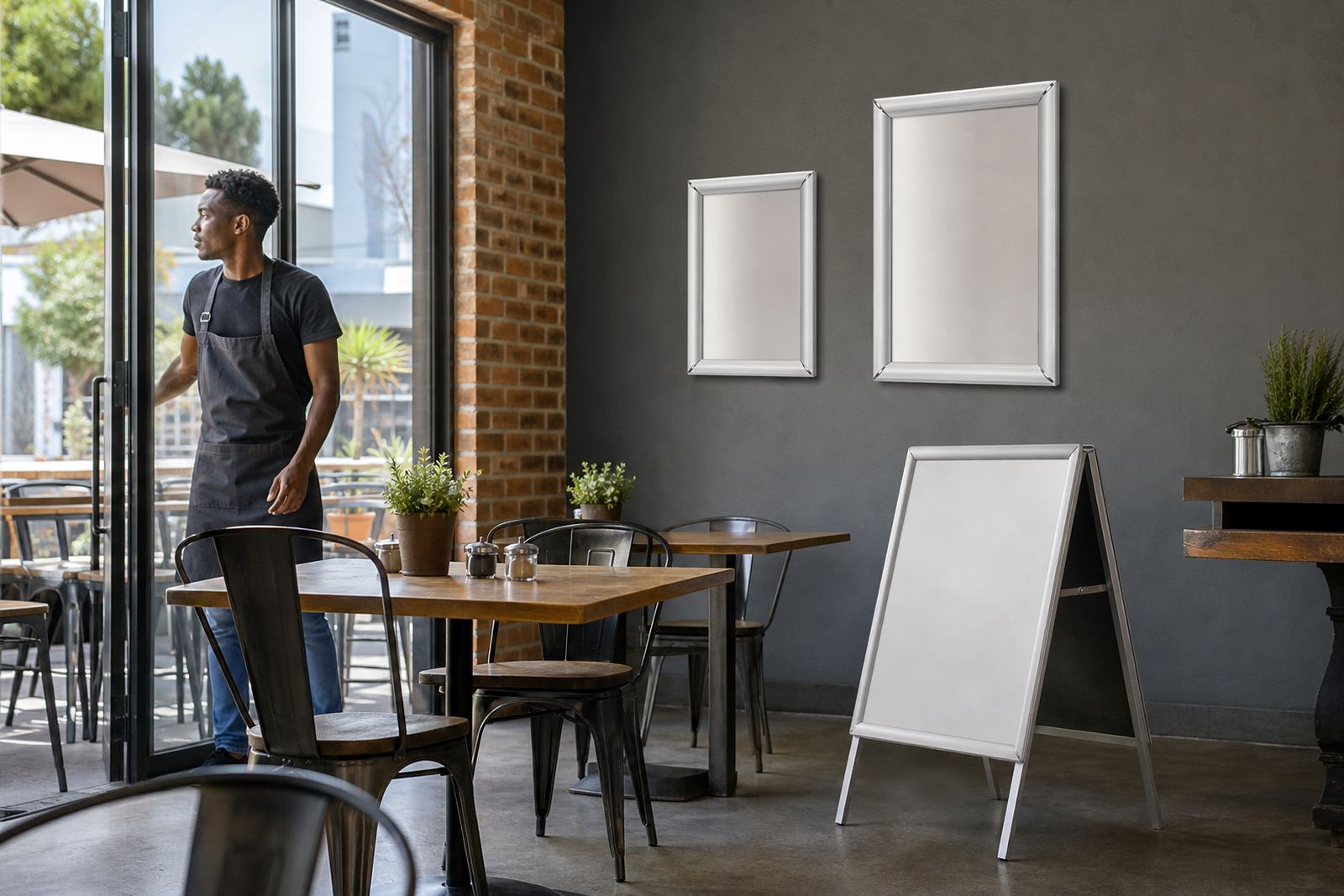
A4 snap frames suit compact menus, specials and add-on boards where wall space is limited. The printed insert sits at 210 x 297 mm, so the finished frame stays neat on narrow wall panels, inside windows and beside till points.
In a cafe or takeaway counter, A4 is useful when the menu changes often or when each board carries one category. It keeps the text close enough for quick reading without crowding the space around it. For portrait layouts, A4 works well with breakfast lists, drinks, sauces and sides.
- Standard insert size: 210 x 297 mm
- Good for short menus and specials
- Fits narrow wall spaces and window panes
- Easy to swap when items change
A3 frames for fuller menu panels
A3 snap frames suit larger menu blocks and boards that need more breathing room. The insert size is 297 x 420 mm, which gives more space for item names, short descriptions and prices without forcing the type too small.
Many restaurants use A3 for main menu headings, lunch boards or a grouped drinks list. It also works well where customers stand a little farther back, such as at a wall near the entrance or above a service counter. When the menu carries more detail, A3 usually reads better than squeezing the same copy into A4.
- Standard insert size: 297 x 420 mm
- Better for grouped menu sections
- Useful when you need clearer line spacing
- Common for wall menus and entrance displays
Portrait or landscape, pick the reading path
Orientation should follow the way people scan the menu. Portrait works well for vertical lists, while landscape suits wider layouts, strip pricing and headings that run across the page. A frame can be mounted either way, so the choice comes down to the content and where the board will hang.
For a narrow wall beside a cashier, portrait often feels more natural. If the board sits above a counter or under a shelf, landscape can give the eye a cleaner sweep across the page. The wrong orientation can make a simple menu feel cramped, so it helps to match the frame to the shape of the content before printing.
- Portrait suits tall lists and longer item blocks
- Landscape suits wider headings and grouped lines
- Match the frame to the reading direction
- Check the wall shape before setting the layout
Mounting choices for walls, glass and counters
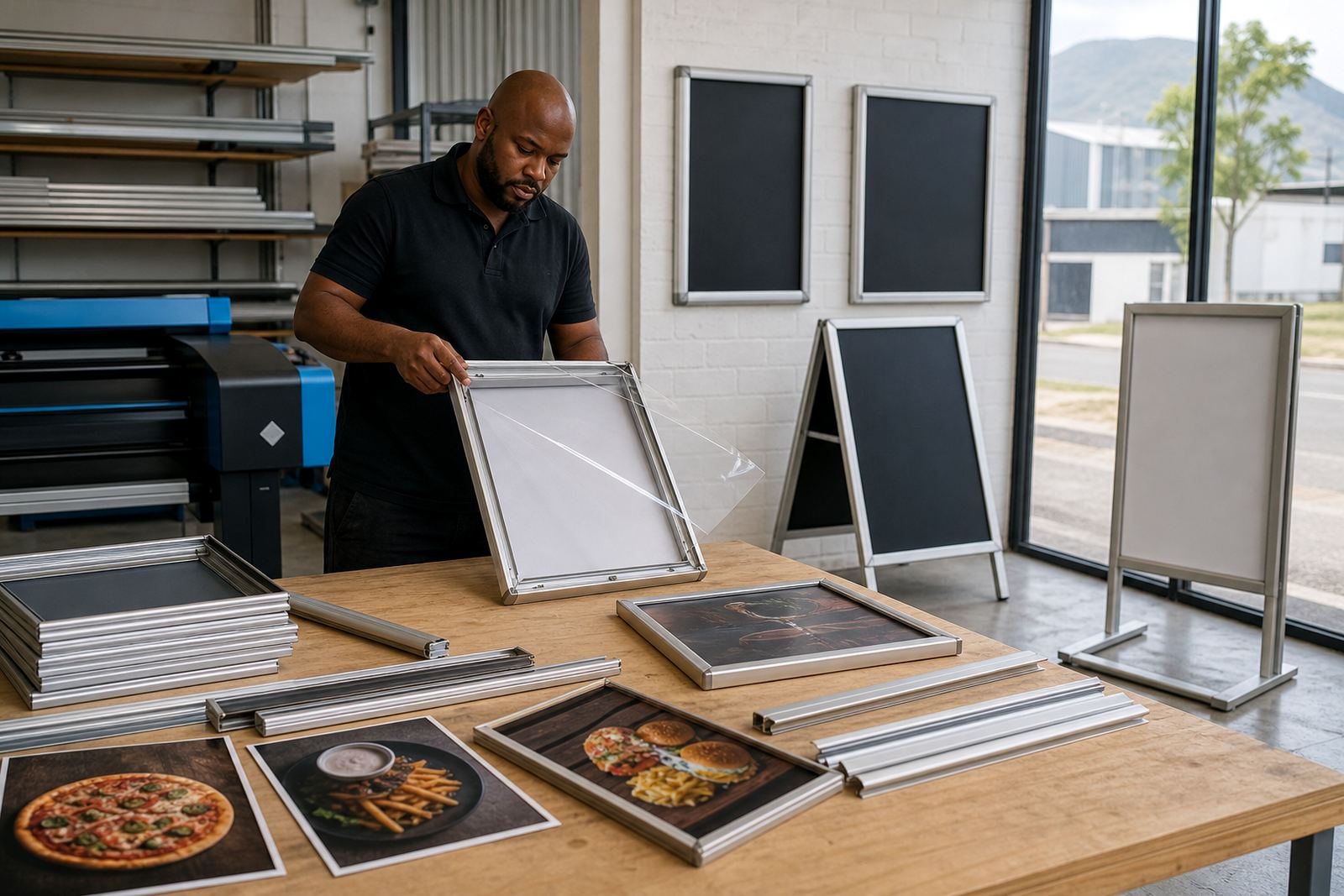
Wall mounting is the usual choice for permanent menu boards in dining areas and queue points. Window mounting works well when passersby need to see trading hours, specials or a takeaway list from outside. A-frame stands are best where the menu needs to move with the flow of customers or sit at the pavement edge.
Aluminium snap profiles hold the insert under a clear cover, with anti-glare sheets helping when light hits from a shopfront or bright ceiling fittings. For glass, the fixing method should suit the panel and the weight of the frame. For a freestanding board, make sure the base is placed where foot traffic will not catch it.
- Wall mounting suits fixed menu boards
- Window mounting helps with street visibility
- A-frame stands work for pavement and entrance use
- Anti-glare covers reduce reflections on bright sites
When the menu needs to be read from a distance
Size is not only about the page, it is also about how far away the viewer stands. A4 is usually best where the reader is close to the board. A3 gives more comfort when the menu sits higher up, across a room, or above a till where people glance up rather than lean in.
If a menu must carry several prices, a long drinks list or a set of food categories, larger type is safer than forcing everything into a small frame. Clean spacing matters more than packing every line in. We often suggest a short print proof before the final insert so the text can be checked in the actual frame size.
- Close viewing: A4 often works well
- Farther viewing: A3 gives better legibility
- Higher mounting needs larger text
- Spacing matters more than crowding the page
What to send for the right insert size
When ordering menu printing, send the menu text in the exact size you want to use. If the board is A4 or A3, it helps to say whether the layout is portrait or landscape, and whether the insert will sit behind a clear cover or inside a poster slot. That keeps the trimming, bleed and margins in line with the frame.
Useful details include the number of sides, the paper finish, whether you need laminated menu prints and whether the board will be hung on a wall or used as a freestanding A-frame. If you are resizing an older menu, a measured proof helps avoid text running too close to the edge. Our contact form is the place to send those details through with your brief.
- State the frame size first: A4 or A3
- Confirm portrait or landscape
- Say if the insert will be laminated
- Include wall, window or A-frame use