
Start with the frame size, not the artwork
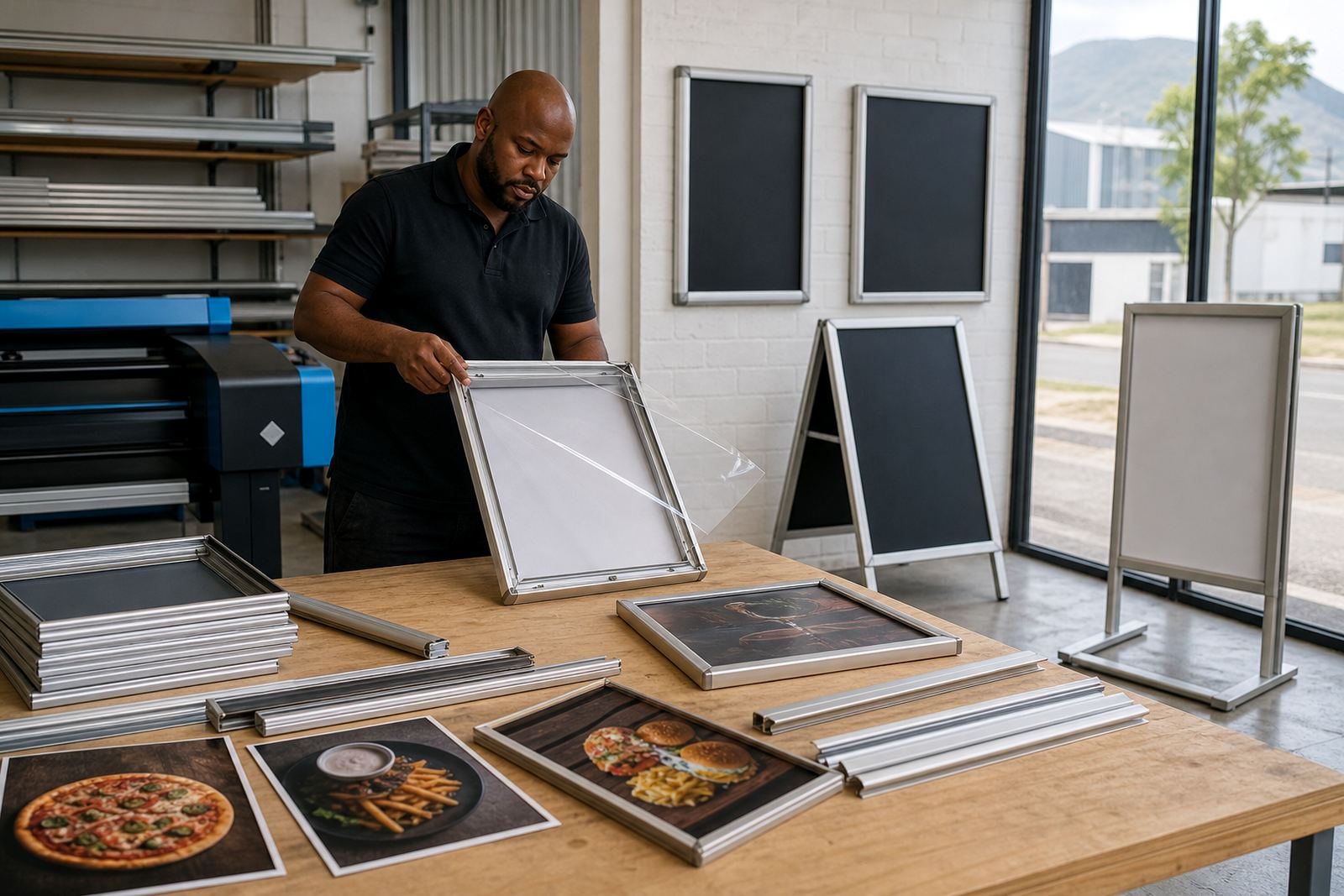
Most print trouble starts when the insert is designed before the frame size is checked. For A4 and A3 snap frames, the visible area is smaller than the outer frame, so the artwork needs to match the insert size with a small safe margin around the edge. If the print is going behind an anti-glare cover, keep text and logos clear of the trim line so nothing important sits too close to the edge.
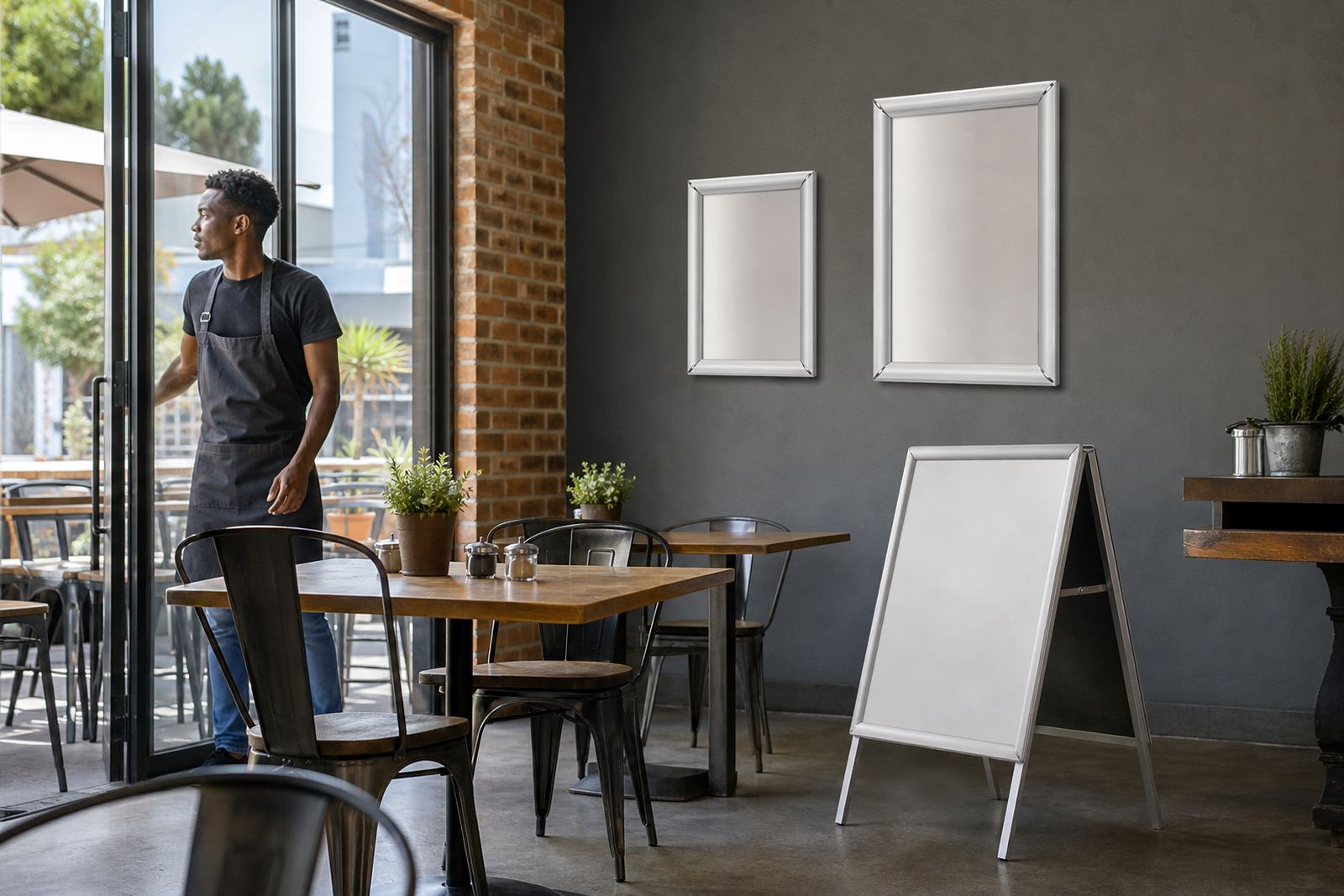
For wall menu boards and window mounted frames, measure the visible opening and confirm whether the menu will be read at eye level or from a distance. A short menu, daily specials or a drinks list may suit A4, while larger brunch boards, takeaway lists and counter displays often work better in A3.
- A4 suits compact menus, specials and promo inserts.
- A3 suits larger pricing blocks and busy item lists.
- Leave a clean border for snap frame lips and cutting allowance.
What counts as print-ready for menus
A print-ready file should be set to the final size with sharp text, correct colour values and images at suitable resolution. If the menu will be printed and trimmed, the artwork needs bleed where the design runs to the edge. A white border can work well too, especially for boards that are updated often and need a neat, forgiving edge.
For laminated menu prints, make sure the layout avoids tiny type that may vanish under glare or laminate haze. Fonts should stay readable from normal customer distance, and line spacing should leave breathing room in price columns. If the file carries too many linked images or mismatched colours, the proof may need correction before printing starts.
- Use the final size, not a rough screen version.
- Keep images clear enough for close reading.
- Choose colours that stay legible under indoor lighting.
- Send logos and artwork as clean, high quality files.
Trimming, bleed and the last 2 millimetres
Trim allowance matters on every menu insert. A design that reaches exactly to the edge can lose text when the cutter takes off a sliver. For that reason, headings, prices and borders should sit inside the safe zone, while background colour or imagery can extend past the cut line. That small gap saves a lot of rework on busy print runs.
On poster insert printing and large menu boards, a slight shift during trimming is normal. A generous bleed hides that movement and keeps the finished piece looking straight. When the menu is meant for a snap frame, the outer edge may sit under the profile anyway, so the visible area should be planned with that in mind.
- Keep key text inside the safe zone.
- Let background artwork run past the trim line.
- Allow for slight cutter movement on every job.
When a menu needs resizing rather than a full redesign
Menu resizing is useful when the same content must fit a different frame or board size. A restaurant might move from A4 inserts to A3 window displays, or from one wall board layout to a narrower counter unit. In those cases, the wording may stay the same while spacing, image placement and price columns need a proper reset.
Short run printing works well for seasonal specials, tasting menus and takeaway changes. If the content shifts often, a simple grid can save time later because items are easier to move around. Menu typesetting helps when the original file was built for another use and the spacing no longer works in the new frame.
- Resizing keeps the same content in a new format.
- Typesetting helps tidy uneven spacing and alignment.
- Short runs suit specials, launches and menu trials.
Proofing before the print leaves the shop
Proofing is where small layout faults get caught before paper, laminate or inserts are committed. A missing price, awkward line break or clipped photo is far easier to fix on screen than after printing. Colour matching also matters when a menu has a strong house tone, because warm reds and deep greens can shift if the file is not prepared properly.
For multiple branches, it helps to keep a master file and note which boards differ by size or wording. That makes later menu updates cleaner, especially when one site needs an item removed and another needs a price change. Courier packaging then becomes simpler too, because each insert can be labelled for the right branch or board.
- Check spelling, prices and line breaks before print.
- Match colours across repeat menu batches.
- Keep a master file for branch-specific updates.
Packing inserts for courier delivery and installation
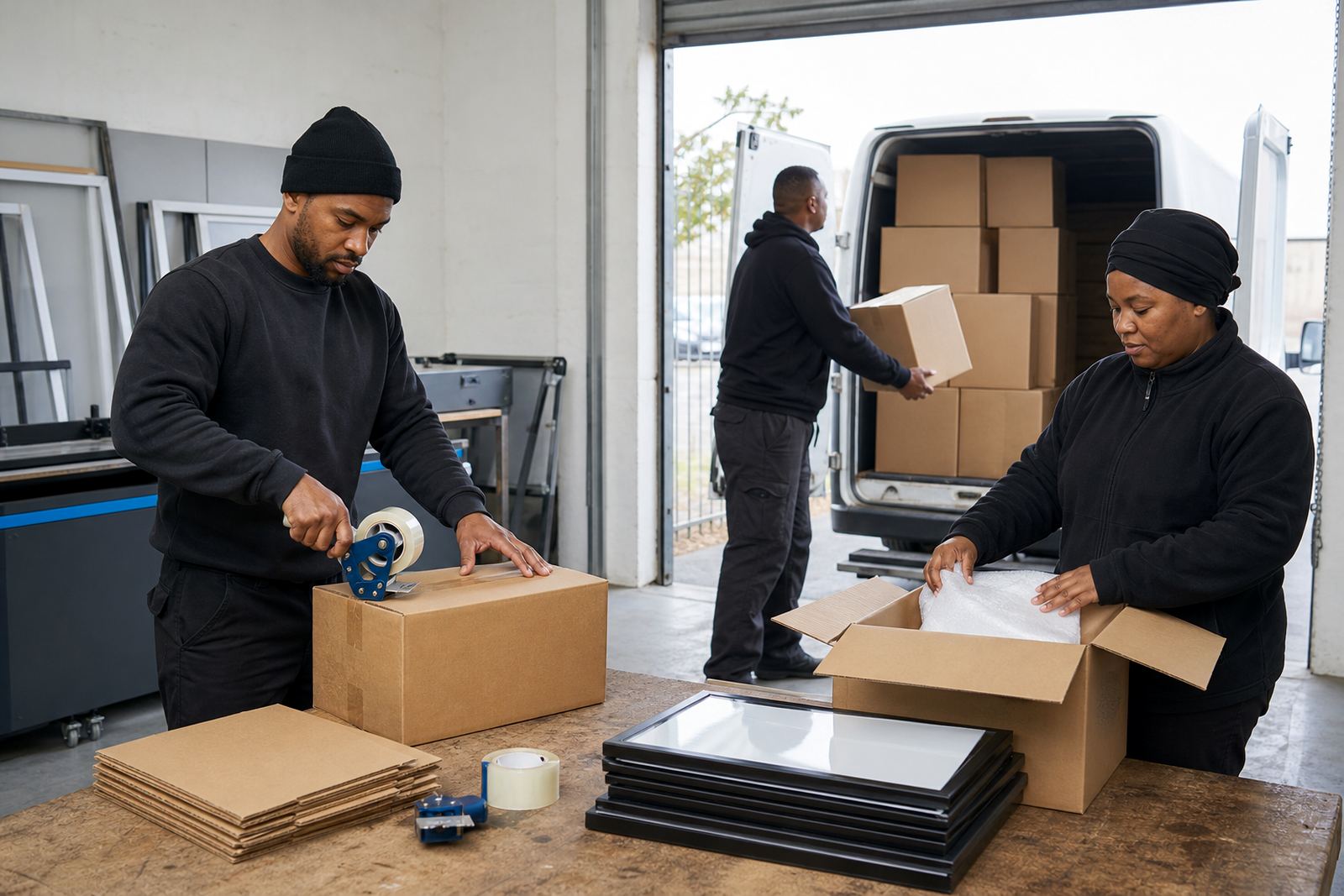
Courier packaging should protect corners, printed faces and laminated edges. Flat inserts need stiff backing, while framed menu boards and A-frame stands must be wrapped so the profiles do not mark the finish in transit. For window mounting or wall fitting, it also helps to pack any hardware and inserts together so the receiving site is not left sorting loose parts.
Across Cape Town, Stellenbosch, Johannesburg, Durban and Gqeberha, the same packing standard helps keep the job neat on arrival. A-frame menu stands should be checked for stable feet and hinge movement before they leave the shop. If chalkboards are included, the surface should be clean and dry, with no dust trapped under the wrap.
- Use stiff packing for loose menu inserts.
- Wrap frames and stands to protect the finish.
- Keep hardware, inserts and labels together.