
What profile width changes on the wall
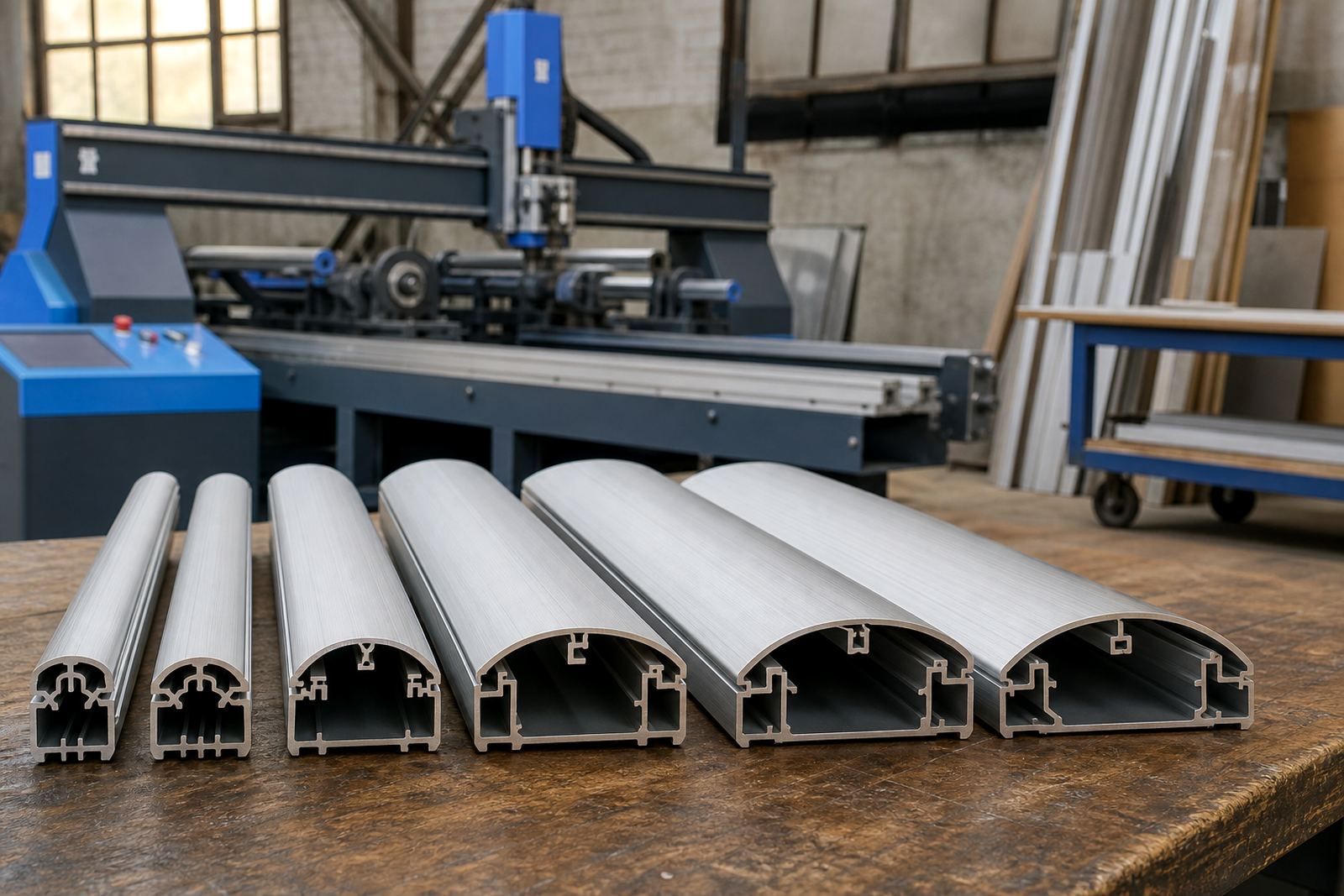
On a snap frame, the profile is the aluminium border that holds the front cover and the printed insert. A narrow profile gives a lighter look and keeps more of the print visible. A wider profile creates a stronger edge, which suits larger menus or places where the frame needs to stand out from patterned walls, tiled backsplashes or dark timber finishes.
For restaurants and cafes in Cape Town, the choice often comes down to how close the customer stands to the menu. A narrow border can feel neat at a counter. A broader border can help a wall menu read more clearly from across a room, especially where the menu has many items and prices.
A4 frames and the tighter border look
A4 snap frames suit compact menus, specials, drink lists and window notices. With that size, a slimmer profile is often enough because the print area is already small and easy to read at eye level. It keeps the frame tidy and avoids making a short menu feel heavy.
Use this as a practical check.
- Choose a narrow profile when the wall space is limited
- Use it for daily specials that change often
- Match it to minimal interiors and lighter signage
- Pick it when the menu must sit beside other notices
A3 frames for fuller menu boards
A3 frames carry more text, longer food lists and larger poster insert menus. Here a wider profile often suits the scale better because the border needs to balance the larger sheet. The frame feels more anchored and the menu does not look lost on a broad wall or window panel.
In takeaway counters and bar service points, an A3 frame with a fuller border can also handle frequent handling better. The extra width gives more material at the edges, which helps the frame feel solid when staff are opening and closing it through the week.
- Use a wider profile for longer menu lists
- Choose it when the frame needs more presence
- Keep it in scale with large print inserts
- Fit it where customers read from a few metres away
Border strength, corner feel and daily handling
Profile width is not only about appearance. It also changes how the corners feel in the hand and how much edge is available for the snap mechanism. A wider aluminium profile usually feels firmer when the frame is opened for menu changes. That matters in busy service areas where inserts are swapped often.
Thin profiles can still work well, but they suit lighter use and smaller sheets. For a front of house team changing printed menus every few days, the edge thickness should be matched to the handling pattern, the wall surface and the size of the insert. In humid coastal rooms, a clean aluminium profile also keeps its shape well when the room gets warm and busy.
Mounting on walls, windows and A-frame stands
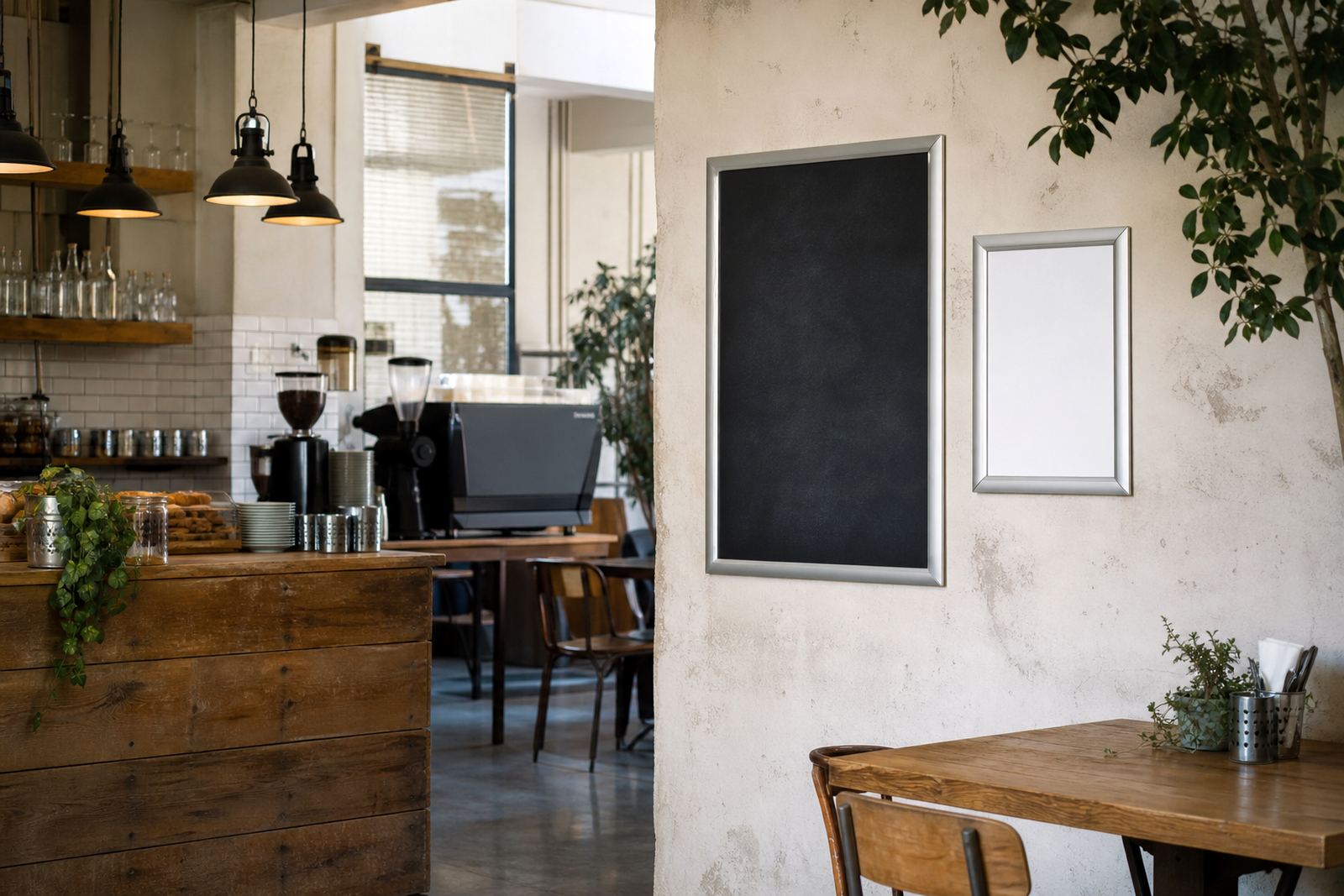
The right profile width also depends on where the frame will sit. On a wall, a slimmer profile can look sharp and tidy. In a window, a wider frame may help the menu hold its own against daylight and street movement. On an A-frame stand, the border needs to be visible from both sides, so width can affect how the menu reads from passing foot traffic.
For shops in Milnerton, Bellville or Paarl, the practical question is usually distance. If people are close, a slimmer border is fine. If the frame sits on a pavement edge or in a larger dining area, a broader profile gives the menu a stronger outline.
- Wall mounting suits both narrow and wide profiles
- Window mounting often benefits from stronger visual weight
- A-frame stands need a profile that reads from a distance
- Outdoor-facing spots should favour clear contrast and firm edges
Matching profile width to print size and insert type
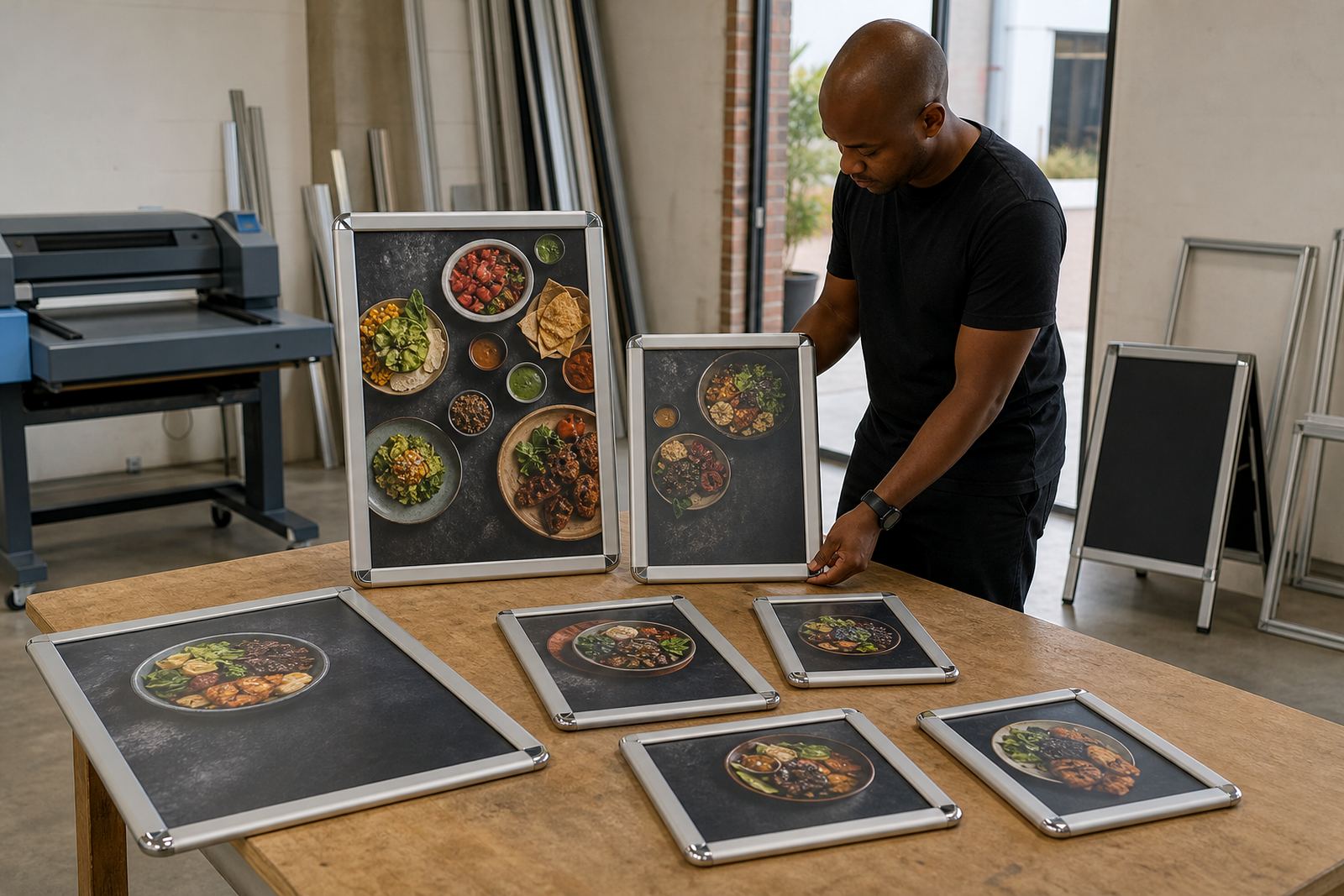
Profile width works with the print size, the cover sheet and the insert finish. A4 menus with laminated prints or poster inserts usually sit comfortably in slimmer frames. A3 menus, especially when they include sections, prices and short descriptions, often benefit from a wider border to keep the whole piece in proportion.
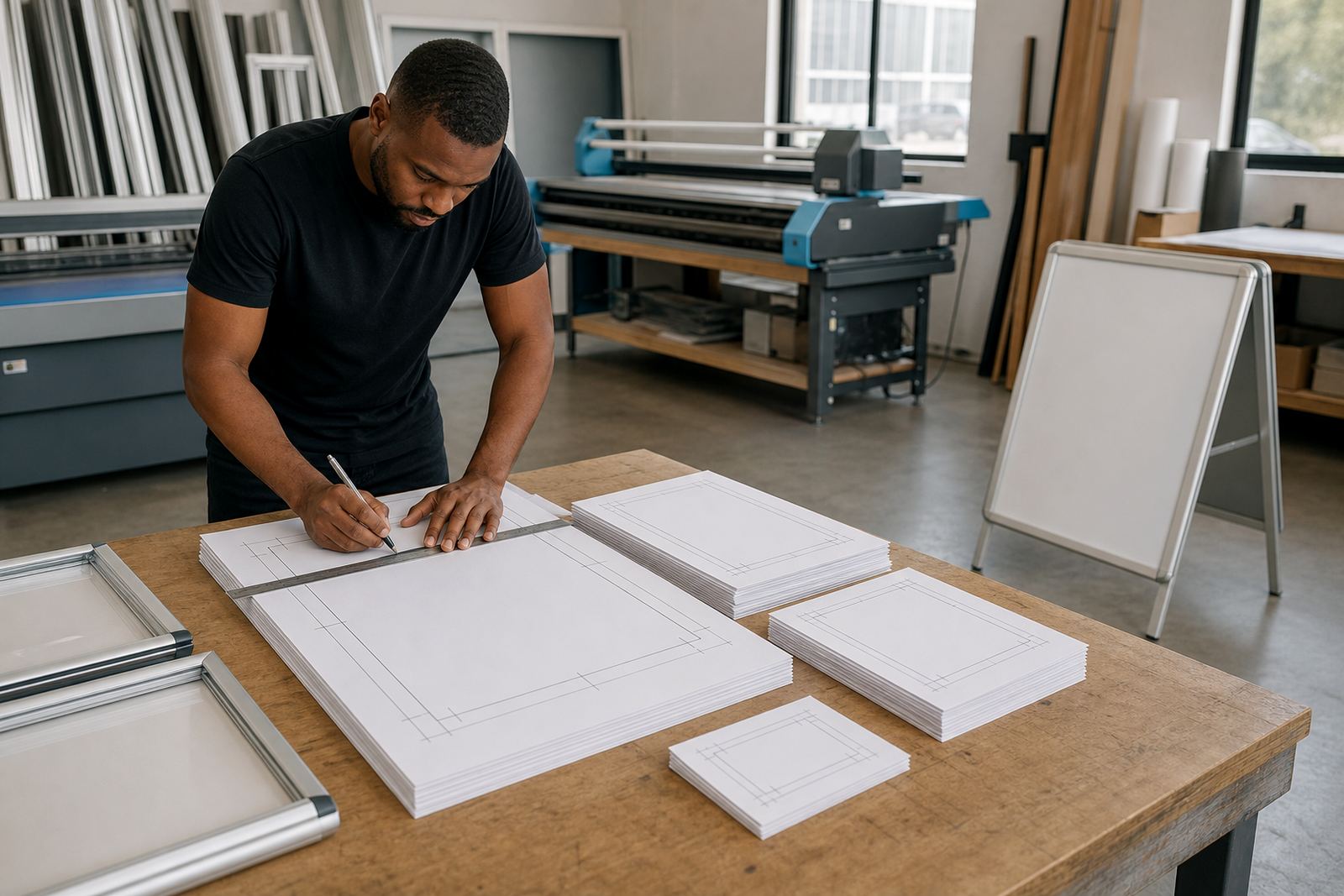
When we prepare print-ready templates, the profile choice affects how much room is left for the message itself. A border that is too heavy can make a clean menu feel crowded. One that is too thin can disappear beside a bright counter, stainless steel fittings or strong wall colour.
- Check the size of the insert first
- Match slimmer profiles to short menus and notices
- Use wider borders for fuller print layouts
- Keep the frame balanced against its background
A quick fitting checklist for the right width
Before ordering, look at the wall, the counter and the distance from which customers will read the menu. Then think about how often the print will change and whether the frame needs to carry a light specials sheet or a fuller menu board. Those details tell you more than looks alone.
If you need wall menus, window frames or A-frame stands for a restaurant, cafe or takeaway counter, the profile width should match the space and the print size together. That keeps the frame practical and avoids a border that feels too weak or too heavy for the room.
- Measure the available wall or window space
- Decide whether the menu is short or detailed
- Check if staff will change inserts often
- Choose the border width that suits the room and the print