
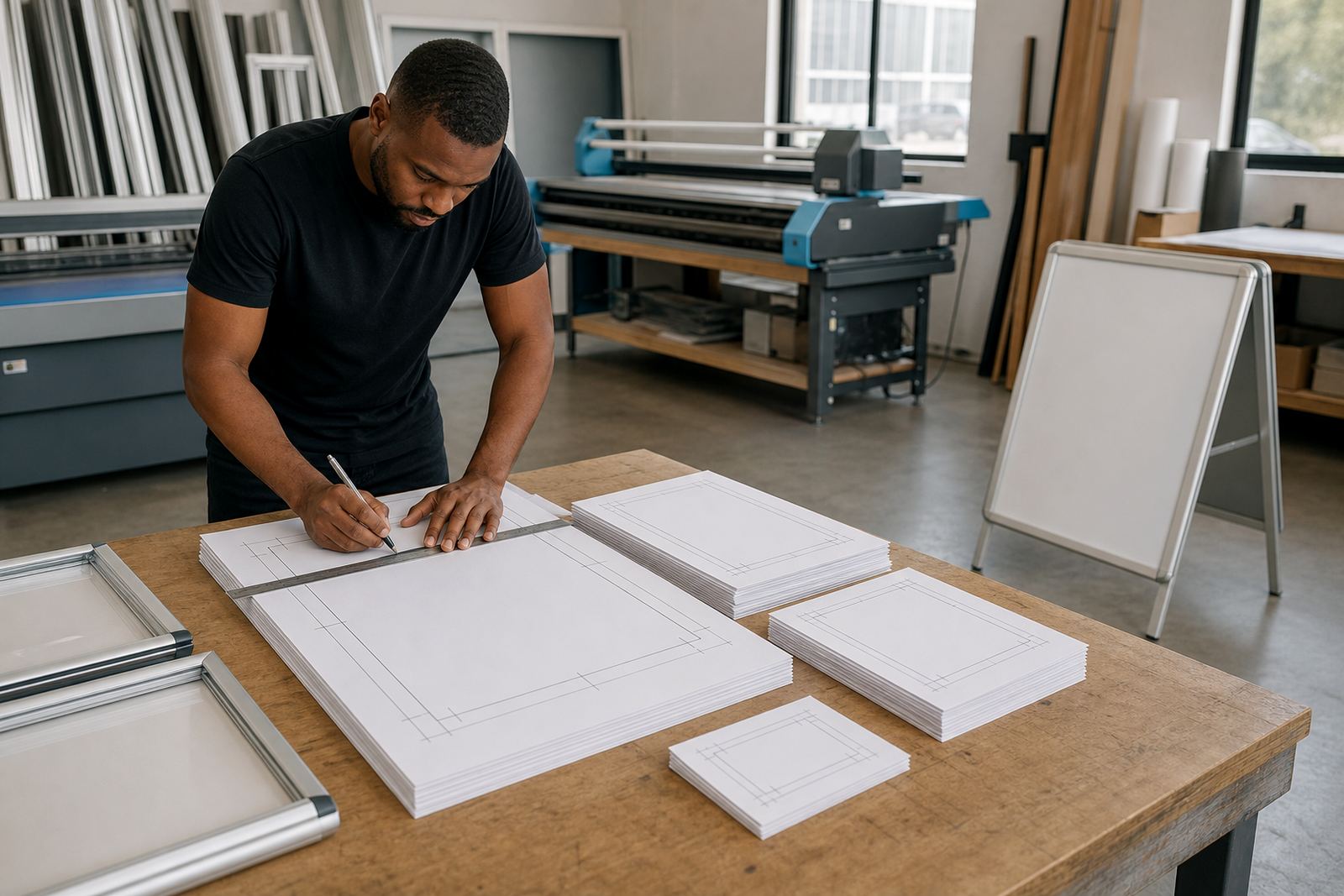
Start with the frame opening, not the artwork
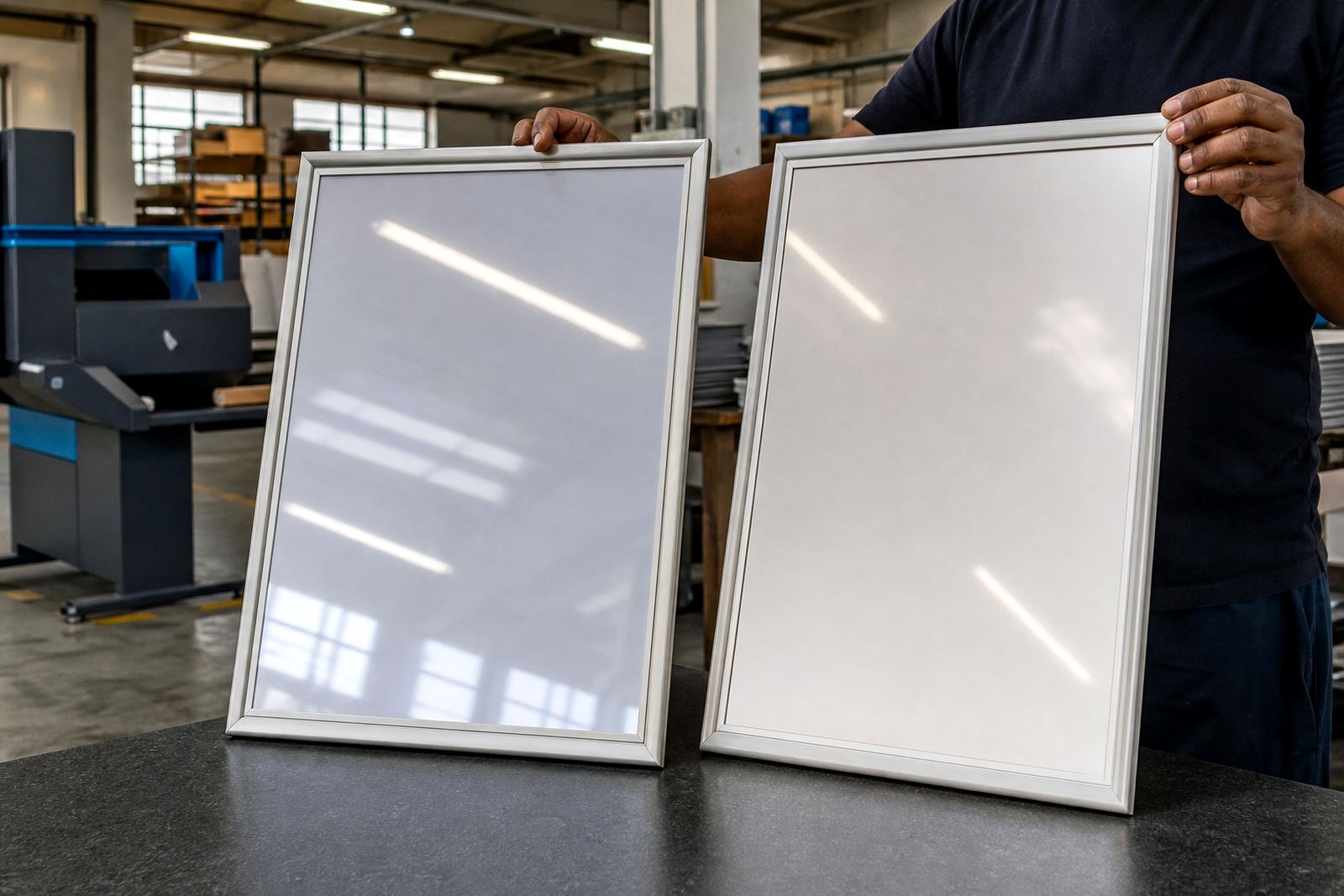
A menu print size only works properly when it matches the visible opening of the display. A4, A3 and other standard inserts sit inside aluminium snap frames, poster holders and counter stands with a margin that disappears under the frame edge. That is why the outer paper size and the visible image size are not always the same thing.
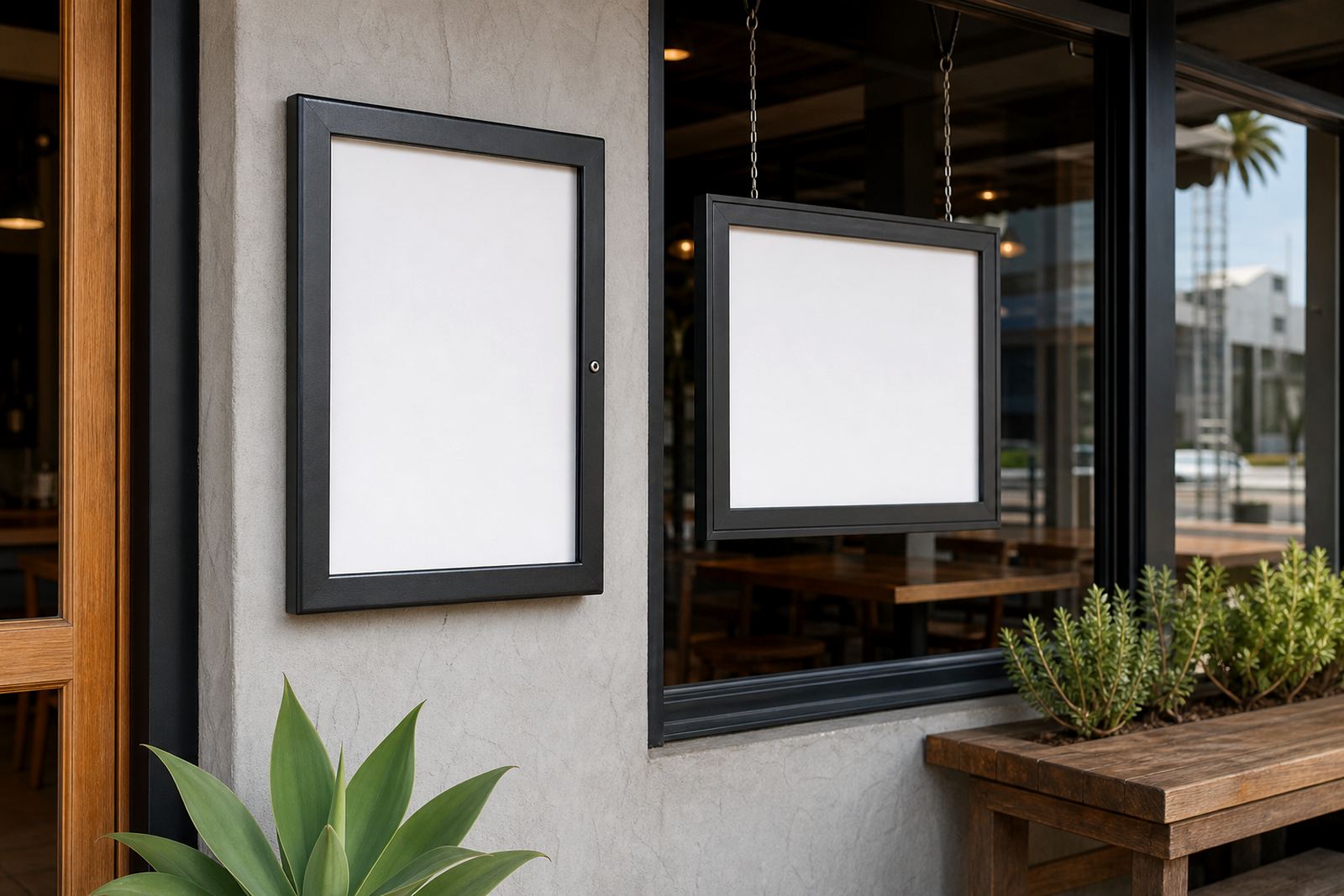
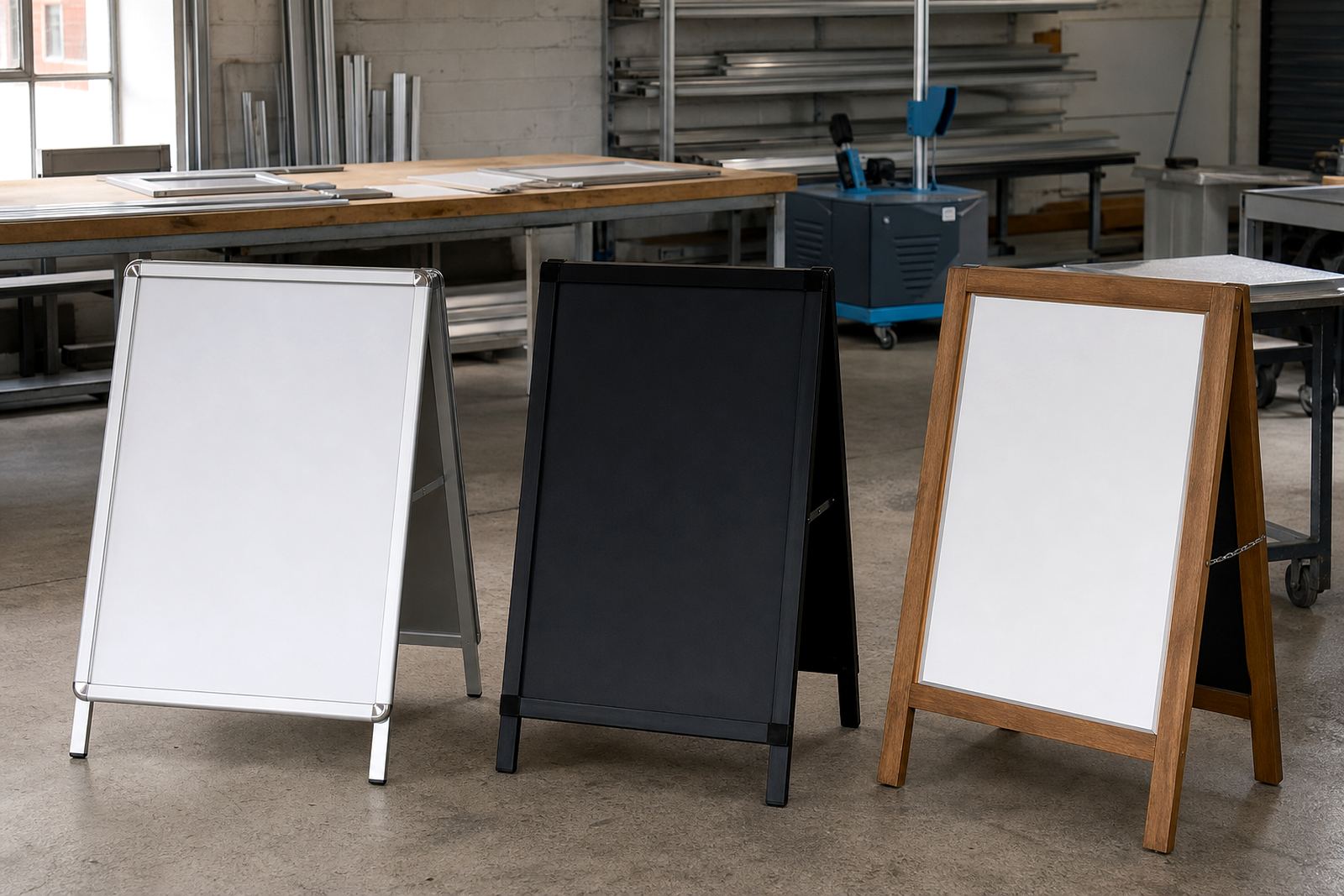
For wall-mounted menu boards, the frame usually accepts a standard sheet that is trimmed or printed to fit the insert area. For A-frame menu stands, the same rule applies, but the board needs enough strength to sit outside or near a doorway. In coastal areas like Cape Town, a covered print and clean edge finish help the insert stay presentable when the air carries salt and moisture.
- Check the visible area inside the frame.
- Allow for the snap edge on all four sides.
- Confirm whether the board takes one sheet or two.
- Use a finished size that prints cleanly with no clipping.
A4 and A3 are the most common working sizes
A4 menu inserts are useful for short lists, coffee boards, dessert sheets and specials. They suit compact wall displays, small counter boards and tabletop frames where space is tight. A3 gives more breathing room for sections, icons and pricing, and it reads better from a little distance, especially in busy venues with a queue at the till.
Many restaurants use A4 for daily specials and A3 for main menu boards or window-facing displays. If the menu changes often, A4 is easier to reprint and replace. If the layout carries several dishes, headings and pricing lines, A3 usually gives the type room to breathe without crowding the page.
- A4 suits compact menus and specials.
- A3 suits longer lists and clearer category spacing.
- Both sizes work well in snap menu frames.
- Use the same size across a set of boards where possible.
How the insert size affects readability at the counter
Print size changes how quickly people can scan the menu. A tight A4 layout can work well when the customer stands close, but it becomes cramped if the type is too small or the line spacing is thin. A3 is often the better choice when the board sits above eye level, in a window, or beside an entrance where people glance from a few metres away.
For takeaway counters, the best insert size is often the one that keeps prices legible without overloading the sheet. Large product names, clear section headings and enough white space make a bigger difference than decorative type. If the menu is printed in colour, keep contrast strong so the text still reads well under indoor lighting and in mixed daylight near glass.
- Use larger type where the board sits high.
- Keep price columns aligned for quick scanning.
- Leave space around logos, headings and specials.
- Choose one visual rhythm for the full menu set.
When resizing is better than starting over
Not every menu needs a full reprint. Sometimes the content fits better after a resize, especially if the old artwork was built for a different frame or changed after a new item was added. A menu can be reworked from one format to another, for example from A4 to A3, or from a poster insert to a smaller board with the same sections kept in place.
Resizing helps when the original layout is too crowded, when the font is too small, or when a venue has switched to a new snap frame size. It also helps with menu updates, because the structure stays familiar while the art is adjusted to the new board. That can be useful for cafés in Stellenbosch, bars in Johannesburg and takeaway counters in Gqeberha where boards often change with the season.
- Resize when the old design feels cramped.
- Keep line breaks and headings consistent where possible.
- Match the artwork to the new visible opening.
- Check image quality before increasing the size.
Cover sheets, finishing and weather exposure
Menu prints work harder when they sit near doors, windows or outside service points. A laminated finish or anti-glare cover helps protect the surface from handling, splashes and fingerprints. On A-frame stands, the board can pick up dust and damp air, so a good finish matters as much as the paper size.
Finishing also affects how the print looks under lights. Gloss can sharpen colour, while matte or anti-glare cover sheets cut reflections in bright spaces. If the menu sits behind glass or clear covers, the print should stay sharp at the chosen size so the words do not fade into the reflections. In humid weather around Durban, this becomes especially useful for window-mounted displays.
- Use laminate where the menu is handled often.
- Choose anti-glare where lights hit the board directly.
- Pick a finish that suits the site, not only the artwork.
- Keep the corners neat so the insert lies flat.
A practical check before you send artwork
Before printing, measure the frame opening and confirm the insert size in millimetres. Then check whether the file is built for A4, A3 or a custom trim. If the menu includes borders, make sure the border does not sit too close to the edge, because snap frames hide a little of the perimeter under the profile.
It also helps to review the menu as it will appear in the shop. A clean layout on screen can feel different once it sits in a frame and gets read from standing height. For short run printing, this is the point where small corrections save reprints and keep the board neat once it reaches the counter or wall.
- Measure the frame and note the visible area.
- Confirm whether the artwork needs bleed.
- Check that all prices use the same format.
- Look for spelling, spacing and line breaks before printing.
Useful sizes for common display formats
A4 works well for single-page specials, drinks lists and smaller inserts. A3 suits fuller menu boards, higher wall placements and window-facing displays where people read from further away. Larger poster inserts can suit multi-item boards, but they need more wall space and a stronger layout to keep the menu readable.
For A-frame menu stands, the insert should be large enough to catch attention but not so large that the board feels crowded. For wall and window mounting, the frame format should match the way the menu is read, whether that is a close queue, a passing glance or a seated customer choosing from a list. If you are unsure, it is usually better to build the menu around the frame size instead of forcing the frame around the artwork.
SnapperFrame Menus works from Paarden Eiland in Cape Town and supplies menu frames, boards and printed inserts across South Africa, including Cape Town, Stellenbosch, Johannesburg, Durban, Gqeberha, Milnerton, Bellville and Paarl. For quotes, artwork checks and print-ready templates, use our contact form.