
Start with the outside reading distance
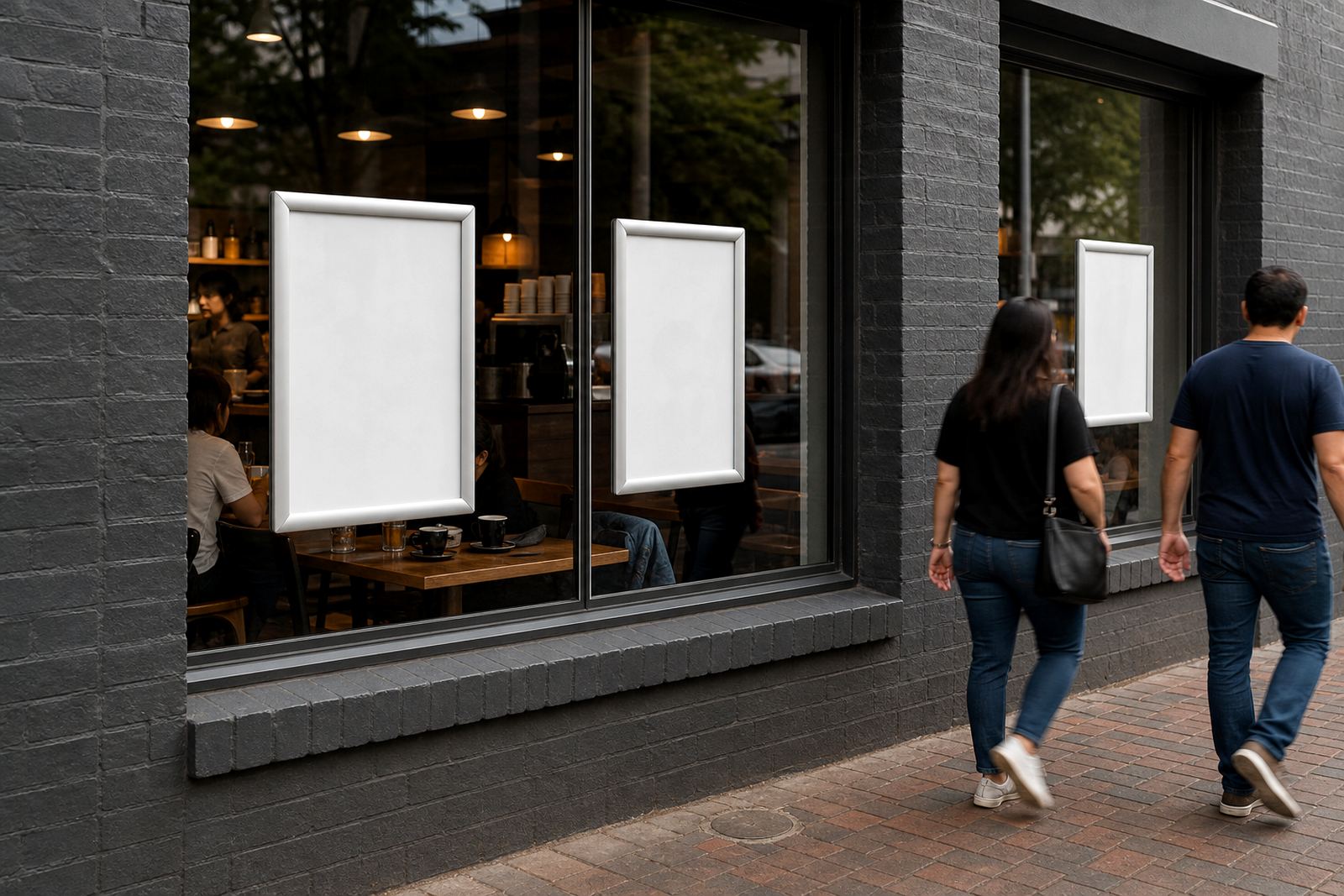
Window pacing begins with distance, not decoration. A menu that looks tidy from inside the shop can turn into a blur outside if the text is too small, the contrast is weak, or the pages sit too low in the glass. On a busy Cape Town frontage, people often glance once, then decide whether to stop or keep walking. That first glance needs a clear route.
A4 suits shorter lists, daily specials and drink boards where the wording stays tight. A3 helps when the menu has more sections, but the layout still has to breathe. Keep the most ordered items near the top third of the board, because that is where the eye lands first. A frame with an anti-glare cover also helps on bright summer mornings and along windows that catch strong afternoon light.
Build the window in three reading bands
Think of the glass as three bands. The top band carries the name of the offering, opening hours if needed, and one short line that tells people what kind of food or drink they are looking at. The middle band holds the main items, with enough spacing between lines for quick scanning. The lower band works for extras, combo notes, takeaway details, or a small update panel.
This rhythm matters in a street-facing shop at Milnerton or a café strip in Stellenbosch, where people are moving at different speeds. A parent crossing with children, a courier driver, and a student waiting for coffee all read differently. A neat split across the glass lets each person take in the part they need, without hunting through the whole page.
- Top band: category name, short offer, or trading note
- Middle band: core menu items, grouped by meal or drink type
- Lower band: add-ons, specials, allergen notes, or takeaway guidance
Use the frame type to support the pace
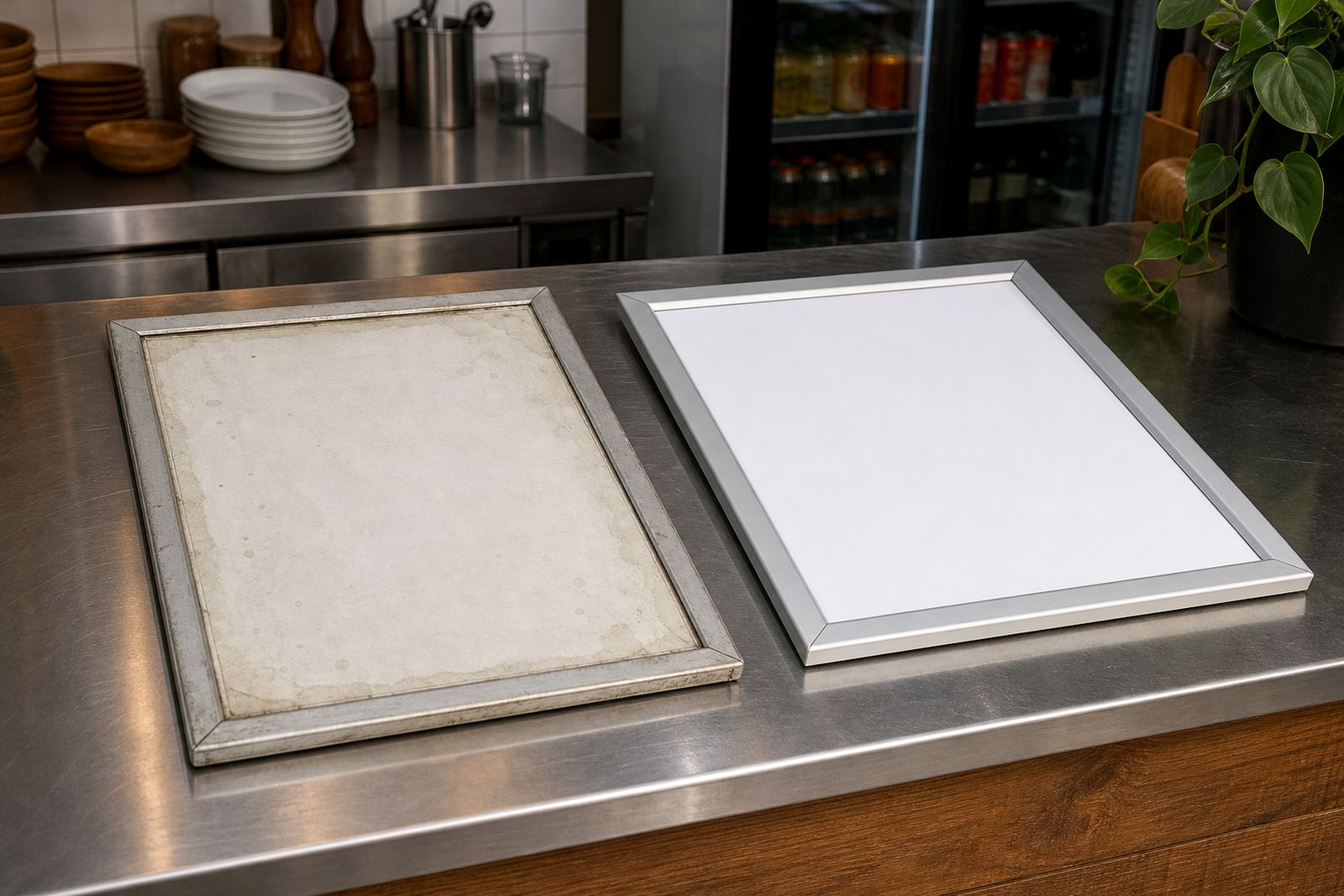
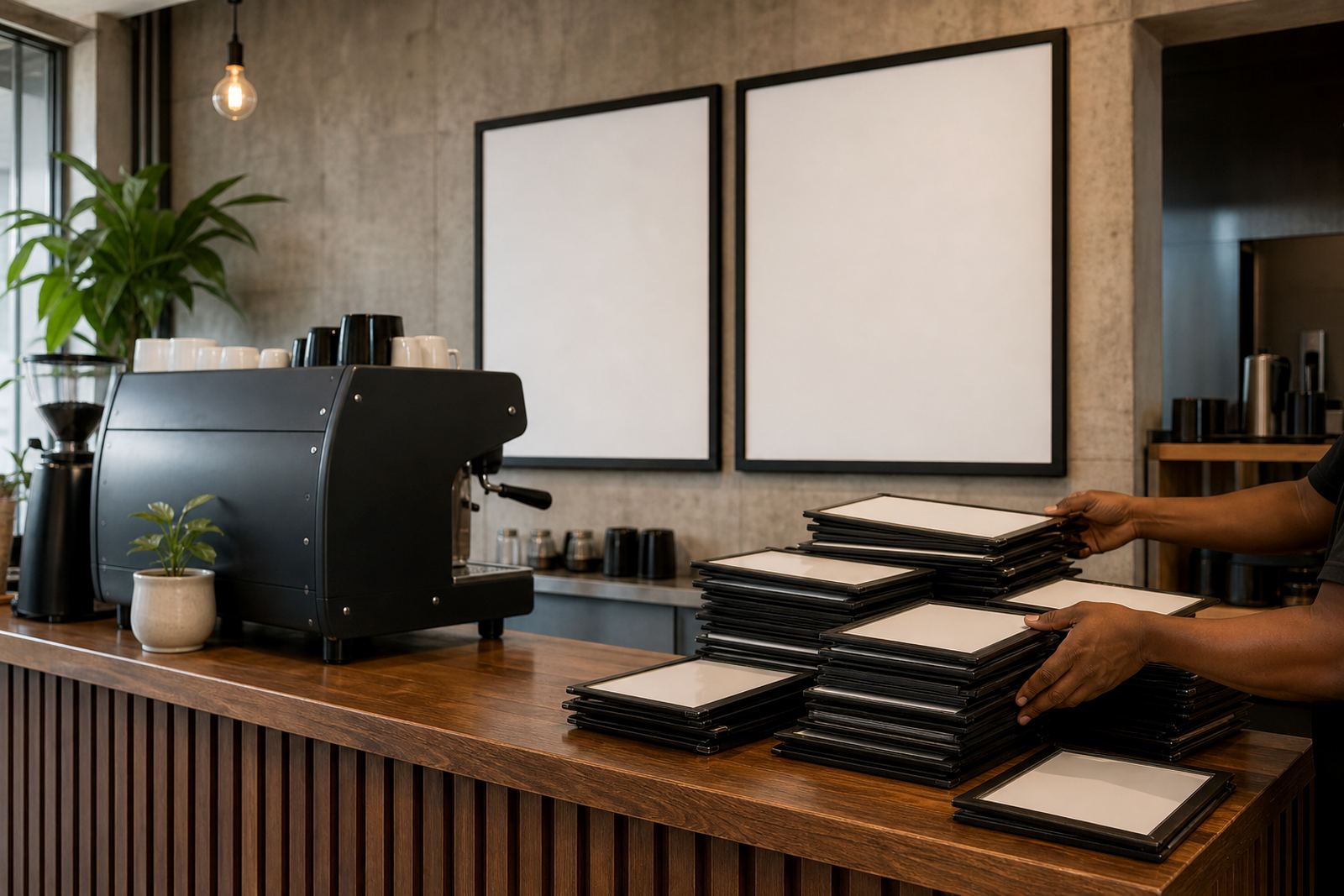
Snap menu frames work well because the content can be changed without tools, which matters when a breakfast list shifts into lunch or a takeaway counter needs a weekend special. Wall-mounted frames keep the display steady and clean for narrow windows, while window mounting suits shopfronts where the glass itself is part of the display. A-frame stands help when the entrance needs a second reading point on the pavement or at the curb.
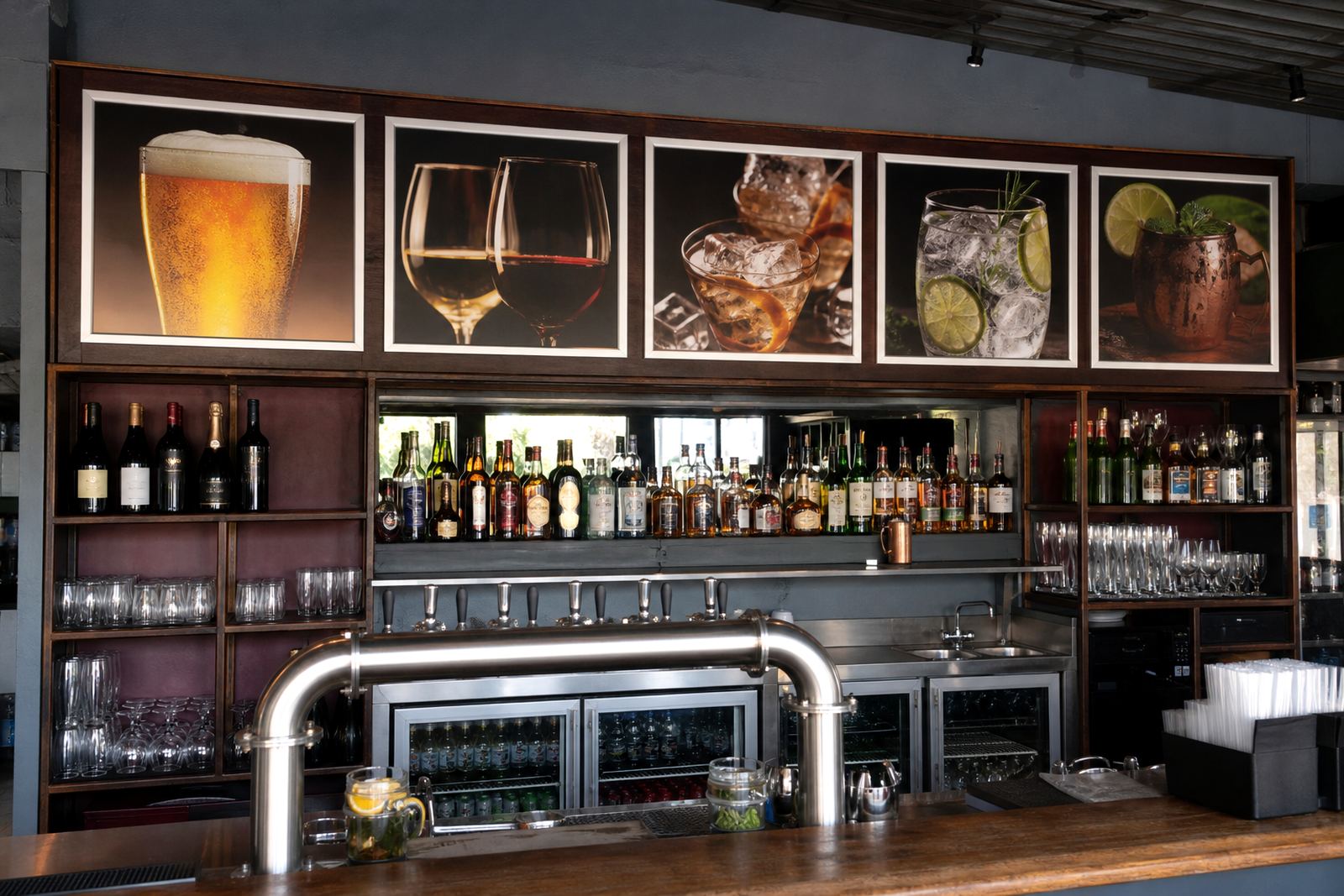
For a café in Bellville or a bar near the Cape Town CBD, the pacing changes with trading hours. Morning menus need calmer spacing and fewer items. Evening boards can carry a tighter set of options with stronger price lines. Aluminium profiles keep the edges neat, and a good cover stops reflections from stealing attention from the text.
- Wall mounting suits fixed front windows and compact interiors
- Window mounting keeps the menu visible from outside and inside
- A-frame stands help guide foot traffic near the entrance
- Anti-glare covers improve legibility in bright glass fronts
Treat specials like traffic signs, not posters
Specials work when they point the eye, not when they shout over the rest of the board. If every line is competing for attention, nothing feels urgent. Put specials in a separate block, use a slightly stronger heading, and leave enough margin around the offer so it does not merge with the main list. A small chalkboard insert can suit a daily special where the wording changes often, especially in takeaway counters with a quick turnover of stock.
Menu pacing also depends on how much information belongs on the glass at all. A long story about ingredients, sourcing, or preparation can sit on an internal poster or table menu, while the window keeps the short version. Passers-by usually want fast answers: what it is, what it costs, and whether it suits the moment. The window should answer those points without noise.
Match print size to the frame and the street
Print size changes the whole feel of the display. A4 menu templates work well for compact lists, short drinks runs, and side panels. A3 menu templates give more room for grouped sections, larger headings and clearer pricing. When a board is being resized, the line lengths must be checked carefully so the menu does not crowd at the edges or leave one section looking heavier than the rest.
For a window on a windy corner in Gqeberha, a clean insert with laminated menu prints can hold its shape better than loose sheets. Short run printing helps when a seasonal item or a weekend feature needs its own place. Colour matching matters too, because a pale background can disappear against bright daylight, while dark text on a light field usually reads faster from outside.
- A4 works for compact windows and simple offers
- A3 suits broader menus with more sections
- Laminated prints help where handling and humidity are part of daily use
- Poster insert printing is useful for special panels and limited runs
A Cape Town window example that reads cleanly
Picture a takeaway counter in Paarden Eiland with a street-facing window and steady foot traffic. The owner wants the lunch menu visible from the pavement, but also needs a breakfast panel and a small specials strip for delivery collections. The best setup uses two A3 snap frames at eye level, one A4 frame below for add-ons, and a narrow chalkboard panel beside the door for the day item. That gives the window a clear reading order without crowding the glass.
In that kind of setting, the layout must work in mixed light. Early sun can strike the glass at an angle, while the afternoon can flatten colours and make smaller text hard to see. An anti-glare cover helps, but so does good spacing between headings, prices and item names. Courier packaging becomes relevant too when the same menu set needs to travel to Johannesburg, Durban or Stellenbosch for another branch or a new counter fit-out.
Keep the menu easy to update on ordinary trading days
A window menu is not finished when it is printed. It needs a structure that can take updates without becoming messy. If the counter changes from weekday trading to a weekend list, leave room for replacement inserts and avoid locking the design so tightly that every edit becomes a full reprint. Menu updates are easier when the frame size, print size and layout are planned together from the start.
Our team in Paarden Eiland handles menu typesetting, menu proofing, resizing, finishing and courier packaging for restaurants, cafés and takeaway counters across South Africa. Marius Mlambo oversees the branch, with Anele Zondo on production, Bianca Ebrahim on sales, Thabo Kajee on installations, Liam Mkhabela on print coordination and Zanele Wessels on customer support. If you need the window display rebuilt around a tighter reading pace, our contact form is the place to send the brief.