
The eye looks for the price first
When customers reach the counter they are usually reading under pressure. They have people behind them, staff waiting, and a decision that needs to be made without too much faffing. A clean price column gives the eye a fixed landing point, so the menu feels easier to decode at a glance.
Misaligned prices do the opposite. If one amount sits far left, another hangs under a product name and a third is tucked near the edge, the board starts to feel untidy. That does not only look messy, it slows the reading rhythm. In small service spaces, especially takeaway counters in Cape Town or busy cafes in Stellenbosch, that extra pause can be felt at the till.
- Keep all prices on one vertical line where possible.
- Leave enough space between item names and the price column.
- Use the same punctuation style for every line.
- Set the menu in a size that can be read from the queue, not only from the counter edge.
A3 and A4 layouts need different discipline
A4 menus are tight, so every millimetre matters. With less room on the board, it is easy for prices to wander when items are added or removed. A3 layouts give more breathing space, but they also invite extra text, more category breaks and longer descriptions that can disturb the eye if the layout is not controlled.
Menu resizing is not just about shrinking a page. It is about keeping the price column in the same place after the content moves. That is where proper typesetting matters. If the line length changes, the price needs a clear anchor, otherwise each reprint starts to look different from the last one.
- A4 suits shorter menu sets and tight wall spaces.
- A3 gives room for larger headings and cleaner spacing.
- Shorter item names often leave better room for prices to align neatly.
- Where needed, split sections by meal type instead of forcing one crowded board.
Why the board material affects price clarity
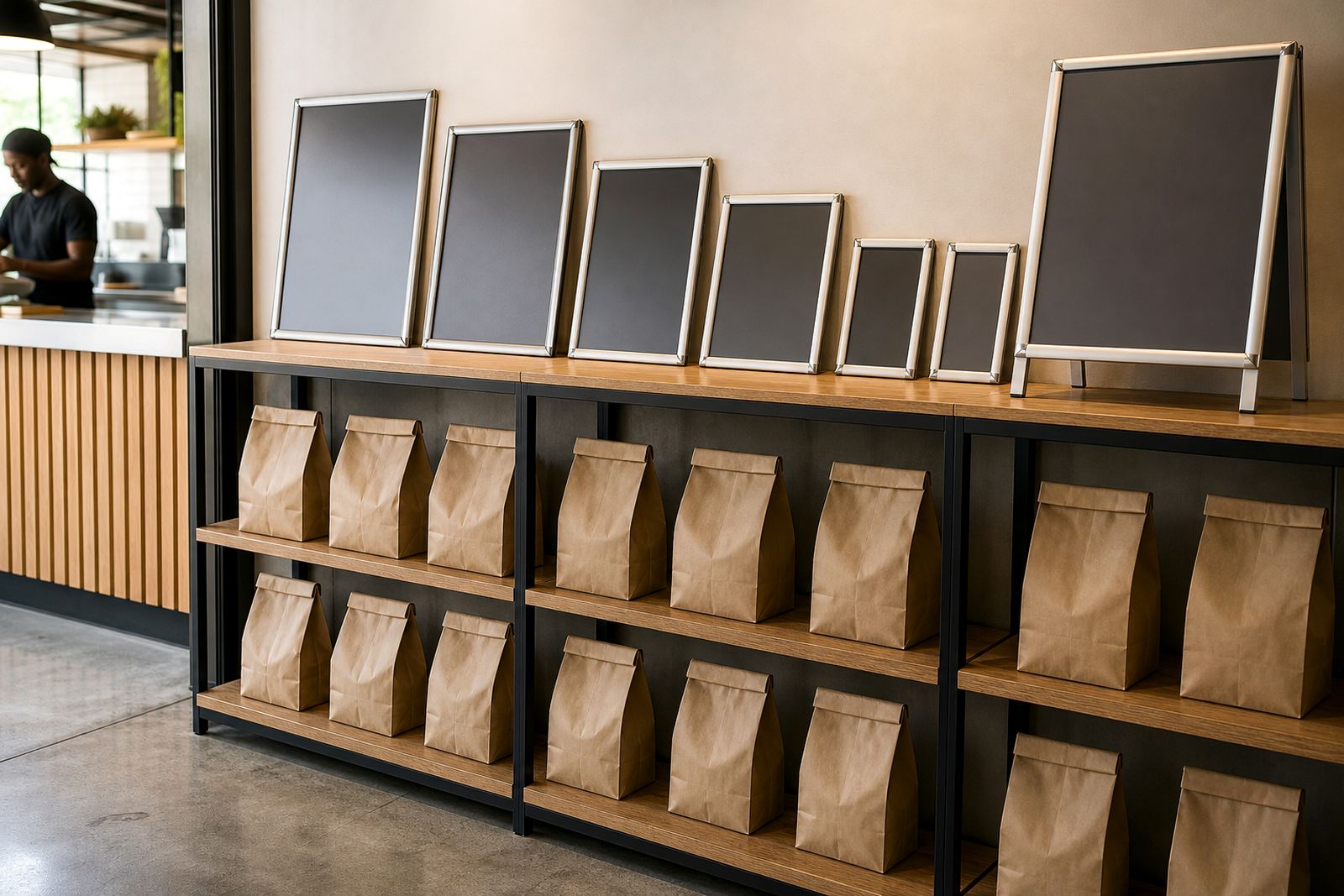
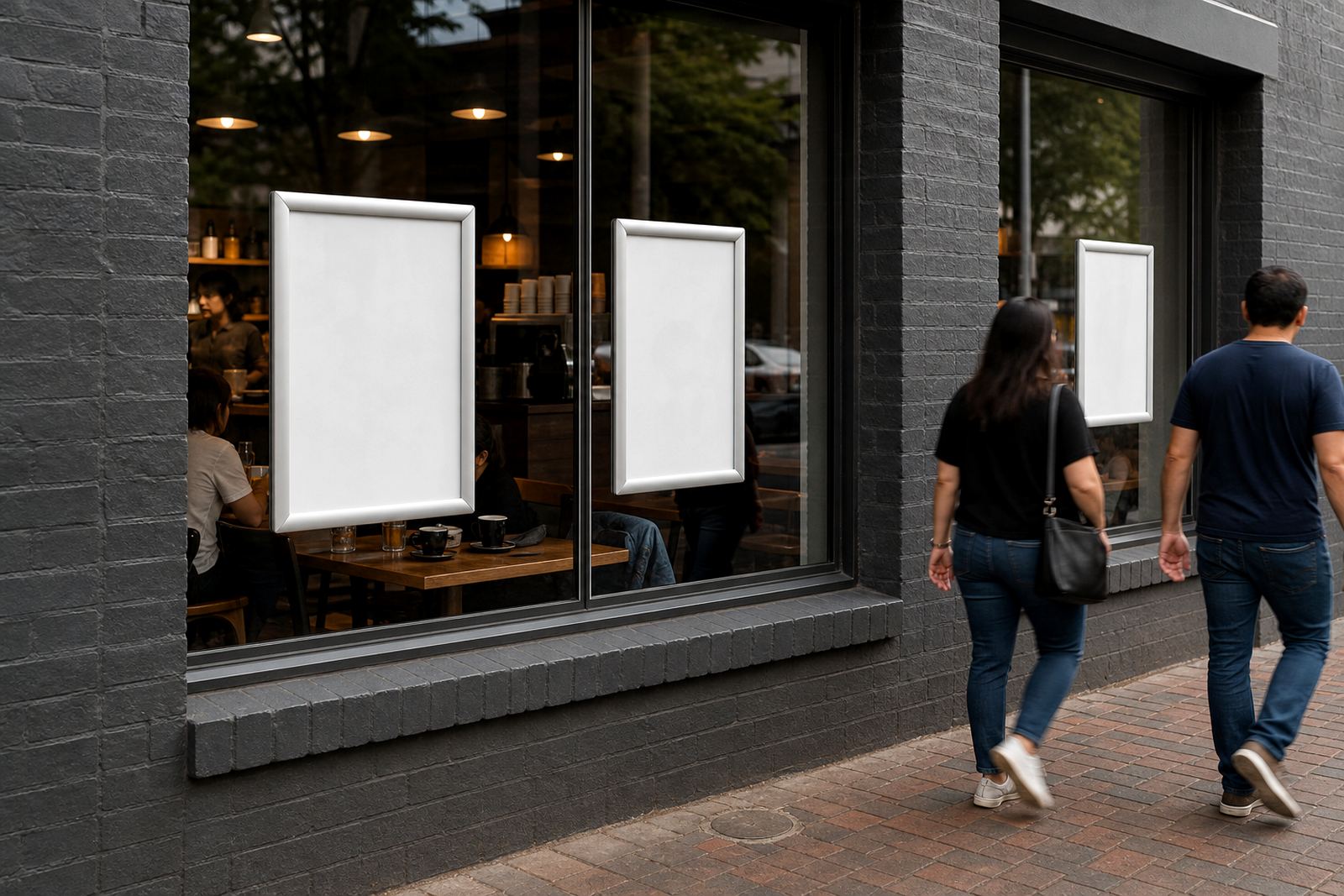
Price neatness is not only about the text file. It also depends on the surface holding the menu. Snap frames with aluminium profiles and anti-glare covers help keep the printed sheet flat and easy to read. On a wall menu board or a window-mounted display, a wavering sheet or a shiny cover can make even a well set price column harder to read.
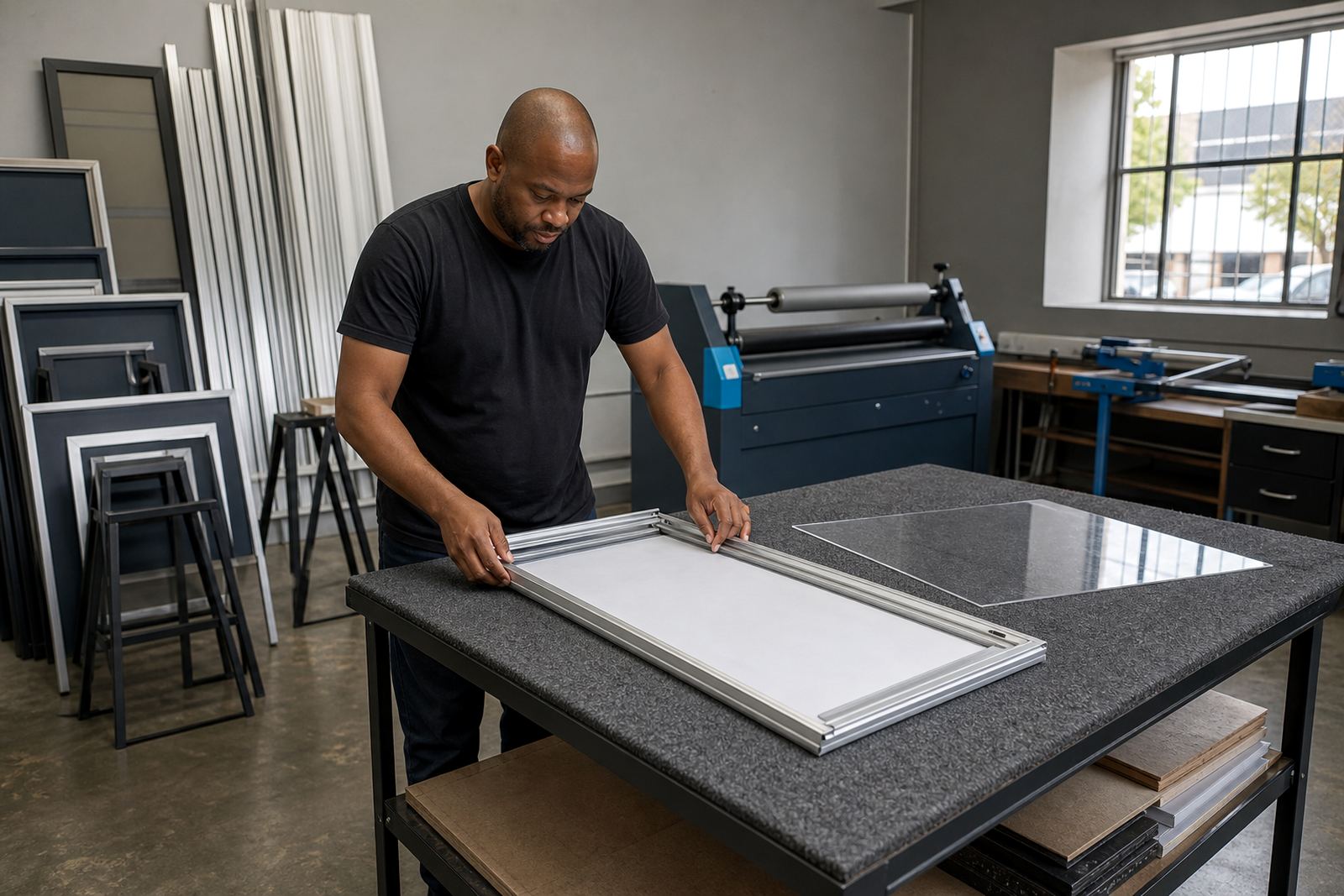
In coastal areas like Cape Town, humidity can curl lighter paper if it is not finished properly. A laminated print or a poster insert with the right fit keeps the page tidy inside the frame. For menus that change often, the frame needs to open cleanly and close without bending the insert, otherwise the bottom lines creep out of line.
- Use anti-glare covers where lighting creates reflection.
- Choose print finishing that keeps the sheet flat in the frame.
- Match the insert size to the frame size properly.
- For window mounting, make sure the layout still reads from outside and inside.
Menu boards that hold a queue together
A wall menu board does more than display items. It becomes the reference point for the whole queue. If the price column is neat, the board feels steady even when the service area is busy. If the prices are scattered, customers ask more questions and staff need to repeat themselves while orders pile up.
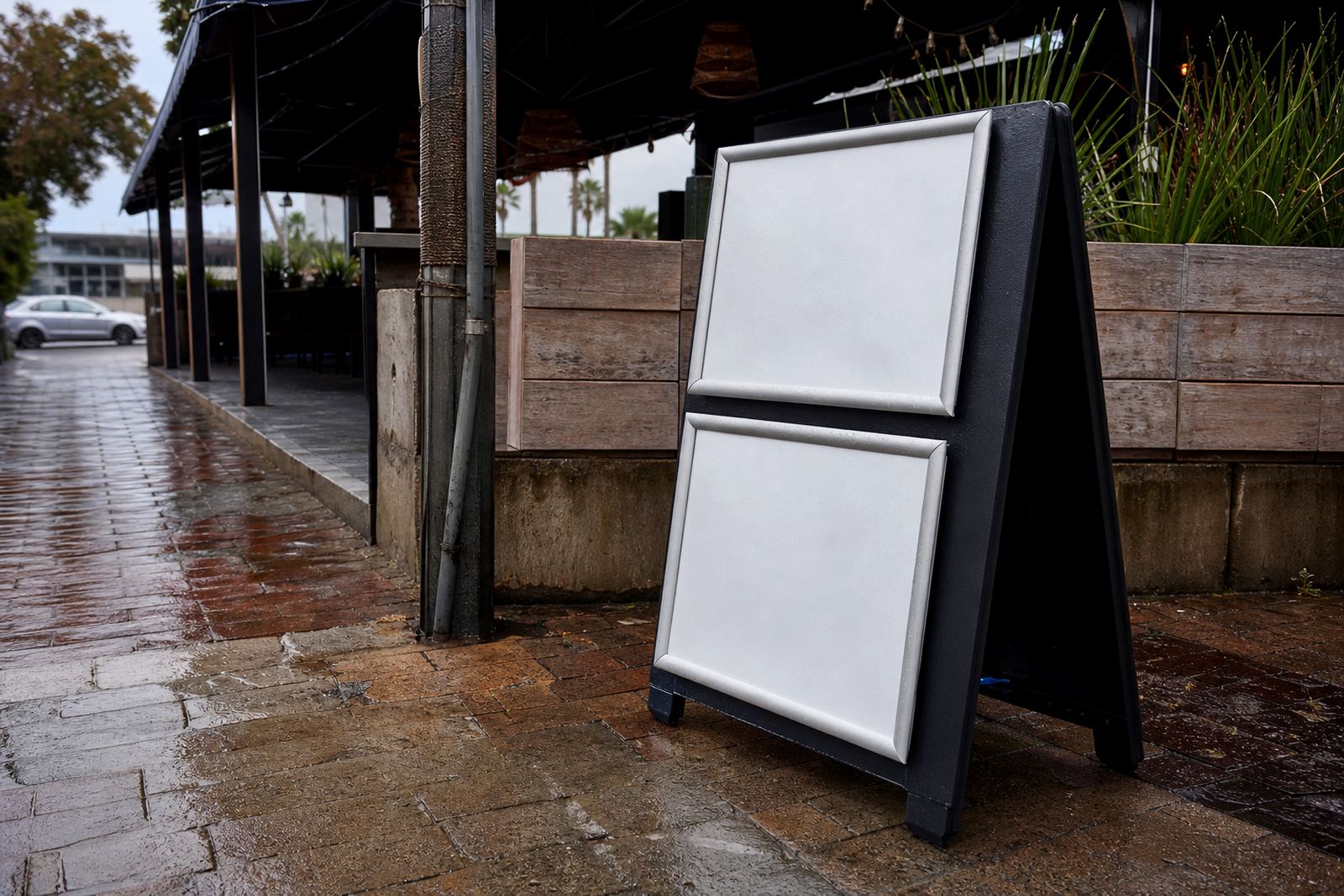
A-frame menu stands work well where people approach from the street or from a forecourt. The board needs to read quickly from a standing position, often in outdoor light. That means bold headings, clear item spacing and a price column that does not drift just because the sun is bright or the angle changes.
- Use one layout style across wall boards and A-frame stands.
- Keep category headings distinct from price lines.
- Avoid squeezing extra notes into the price column.
- Use enough contrast between text and background.
A local example from a lunch rush
Picture a takeaway counter in Milnerton at lunchtime. Customers step in, glance at the menu and want to order before the queue shifts behind them. If the prices are neatly aligned, the choice feels quicker. The staff member can point to a category, the customer can compare two dishes without hunting across the board, and the transaction keeps its pace.
Now picture the same board with prices scattered in different places. A burger price sits too far right, a salad price drops lower than the line above it, and a combo line runs close to the edge. Even when the meal selection is good, the board feels harder to work with. The issue is not the food, it is the reading order.
That is why print-ready templates matter. A clean template lets the price column stay steady when menu updates are made, whether the job is for Cape Town, Bellville or Durban. Once the structure is settled, short-run printing, proofing and laminated menu prints all support the same result, a board that reads cleanly under pressure.
Practical checks before the file goes to print
Before a menu is printed, the layout should be checked for small shifts that spoil the price column. Even a few extra spaces can push amounts out of line. The goal is not decoration, it is legibility. A menu that reads well should still look tidy after resizing, proofing and finishing.
- Check that all prices sit on one visual axis.
- Keep decimal points and currency marks consistent.
- Review the spacing after each product name.
- Confirm that category breaks do not interrupt the reading flow.
- Test the layout in the actual frame size, not only on screen.
When the board needs updating, menu updates should preserve the same structure rather than starting fresh each time. That makes it easier to keep several branches, from Johannesburg to Gqeberha, looking like one operation even when the menu changes by outlet or season.
Neat prices also make reprints easier to manage
Restaurants, cafes and takeaway counters often adjust prices in small steps. A proper layout helps those changes stay tidy from one print to the next. If the price column is already well set, the new version can be checked, resized and finished without the whole board being reworked.
That matters for any menu system using snap menu frames, wall boards or A-frame stands. The more consistent the column structure, the easier it is to replace a sheet, update a poster insert or change a laminated print without upsetting the rest of the board. It keeps the menu looking deliberate, not patched together.
SnapperFrame Menus works from Paarden Eiland in Cape Town and supplies menus and frames across South Africa, including Stellenbosch, Johannesburg, Durban and Gqeberha. The practical part is simple: when the prices line up, the menu reads faster and the counter feels calmer.