

Headings do the first sorting job
On a menu board, the heading is often the first thing the eye catches before any price or dish name. If the heading is too small, the whole board feels flat and the customer has to work harder to find the right section. In a busy cafe or takeaway counter, that extra effort matters, because people are usually reading while queueing or while balancing a tray.
For wall menus and window-mounted menus, the heading size should do clear sorting. Breakfast, toasties, grilled items, hot drinks and cold drinks should each stand apart. A good heading hierarchy gives the page a rhythm, and that rhythm is what lets a customer scan the board in a few quick looks.
A4 and A3 need different type weights
A4 menu templates and A3 menu templates do not behave the same way. A4 works well for shorter lists, table menus and small insert sheets, while A3 gives more room for section names, item descriptions and spacing. The heading size has to match the sheet size, or the layout starts to feel cramped.
On A4, a heading can be bold and compact without taking over the page. On A3, the heading can breathe a little more, with extra space above and below so the eye can land on it cleanly. That difference matters when the print sits inside a snap frame with an anti-glare cover, because glare can soften thin lettering and make weak headings disappear.
- Use larger headings where the menu is read from a distance.
- Keep body text smaller but still clear at arm’s length.
- Leave enough white space so the frame does not feel crowded.
- Match the heading size to the number of items in that section.
Section names should sound like the board they live on
Some menu sections need plain labels, while others need tighter grouping. A heading like Breakfast works well when the menu is short and direct. A heading like Light Meals may suit a board with several small plates, wraps and sides. The point is not decoration, it is structure. People should know where they are within the menu without stopping to decode the wording.
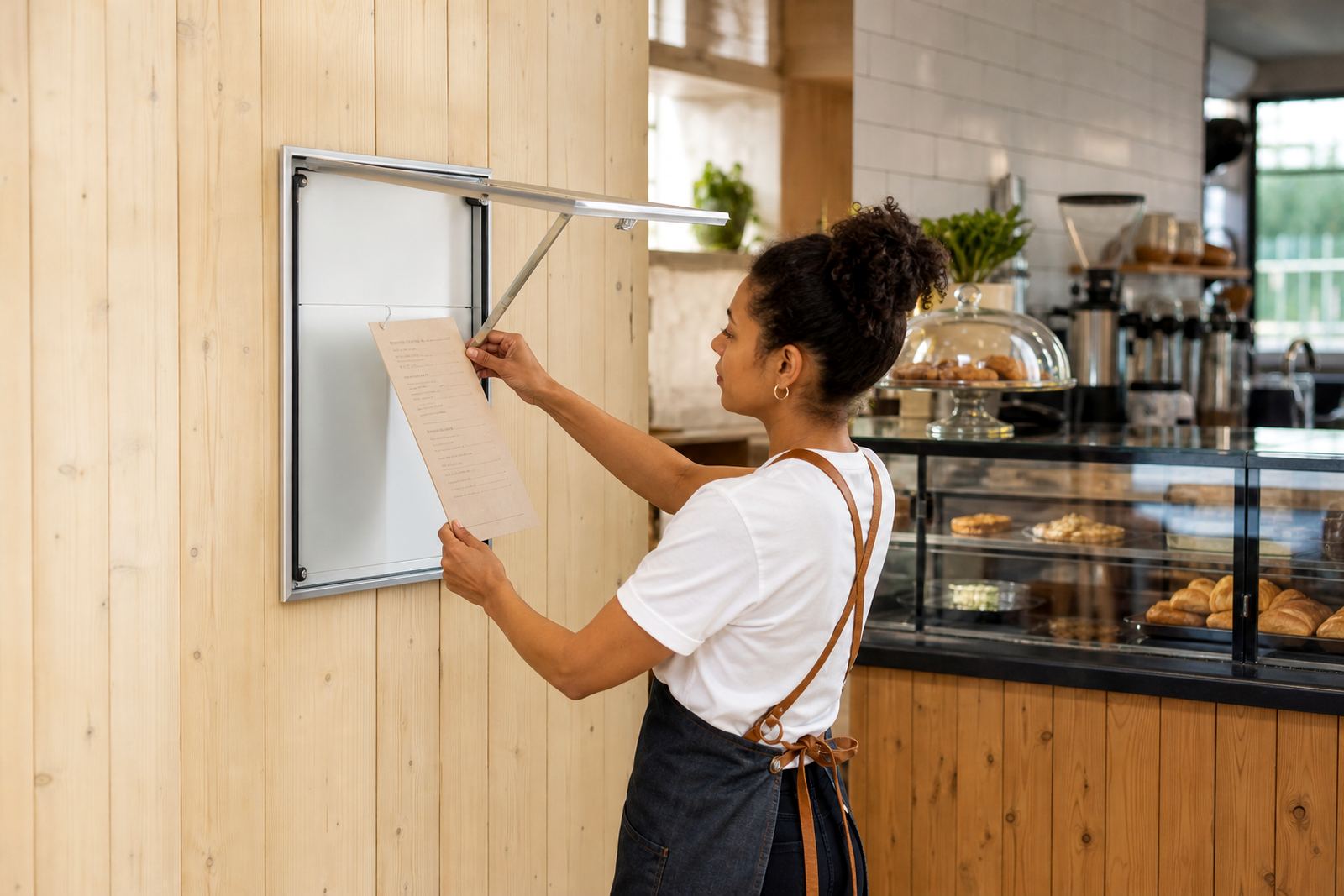
In a Paarden Eiland shop or window display, strong section names also help staff work faster. When the menu changes often, clear headings make updates easier because the printed sheet can be swapped into the snap frame without rebuilding the whole layout. That is useful for cafes that change specials, or takeaway counters that rotate stock through the week.
Spacing around the heading changes how fast it reads
Heading size is only part of the job. The space around the heading matters just as much. If the heading sits too close to the next line, the board starts to feel busy and customers lose the pause that helps them sort information. Good spacing makes each section look deliberate, even when the menu itself is full.
Menu boards in coastal areas like Cape Town often face bright light through windows, and the glare can flatten fine detail. On those boards, a well-spaced heading stands out better than a crowded one. In a wall-mounted snap frame, the heading should anchor the section, not fight with the item list below it.
- Keep a clear gap between each heading and the first item.
- Use consistent line spacing across every section.
- Do not let long heading words crowd the margins.
- Check the layout under real shop lighting, not only on screen.
The frame size shapes the reading distance
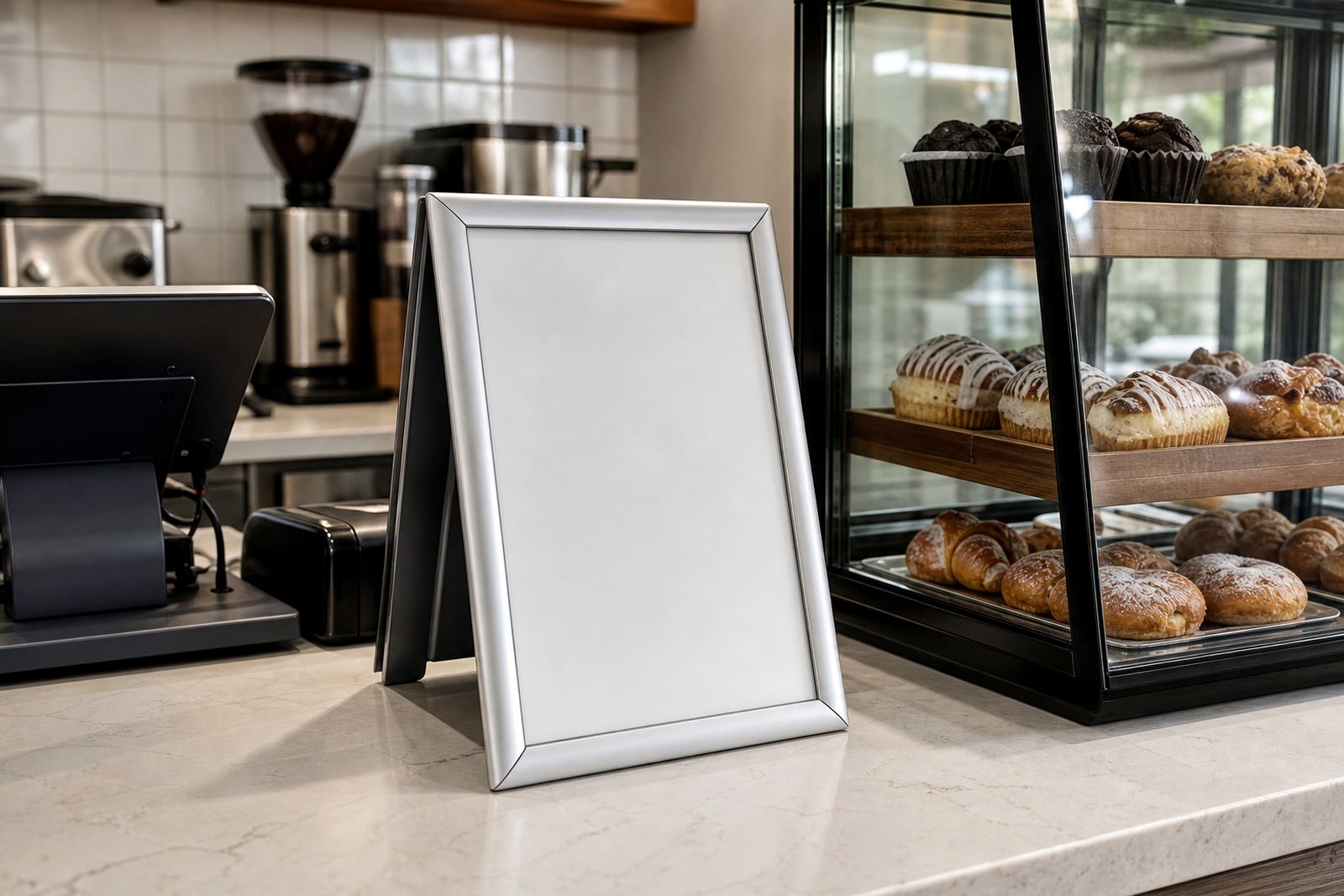
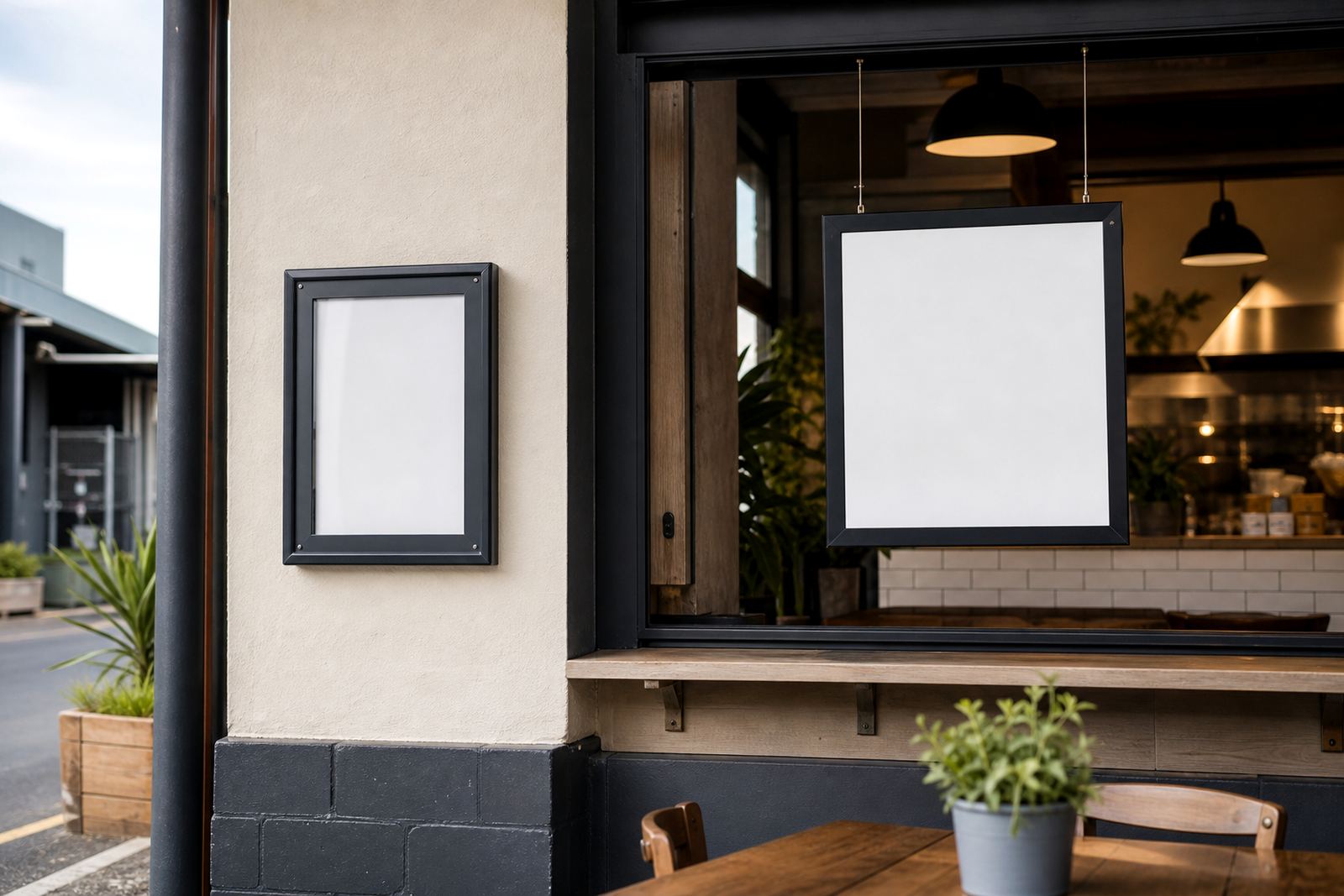
A menu in an aluminium snap frame is usually read from a few steps away, while an A-frame stand may be read by people passing on foot. That changes the heading size. A board near the counter can carry slightly smaller headings because the customer is already close, but a window menu must read cleanly through glass and from the pavement side.
A3 frames suit larger headings and fuller category names. A4 frames work well when the menu is split across more than one board, or where the shop has limited wall space. For restaurants in Stellenbosch or Durban with narrow frontage, the reading distance often decides more than the menu content does. A neat heading system can make a compact board feel much easier to use.
Local menus need headings that survive quick changes
Menu updates are common in Cape Town, Johannesburg and Gqeberha, especially where specials change, prices shift or a seasonal item is added. Strong headings make those changes easier to manage because the layout stays stable even when the content moves around. That matters for printed inserts, laminated menu sheets and short run printing jobs.
When the heading system is consistent, a production team can resize menus, proof the layout and finish the print without chasing every small change across the page. A clean heading plan also helps courier packaging, because the final sheets stay organised and ready for delivery to branches in Milnerton, Bellville, Paarl and beyond. It is a small detail, but on a working menu board it saves a lot of confusion.
- Keep heading styles consistent across all branches.
- Use the same section order where possible.
- Leave room for future specials or price shifts.
- Choose print sizes that match the frame, not the other way around.
A practical example from a takeaway counter
Picture a takeaway counter in Paarden Eiland with a wall menu, a window board and an A-frame stand near the entrance. The counter staff need the menu to be readable at speed, while passers-by need to spot the main sections before they step inside. In that setting, heading size becomes part of the customer flow.
A bold heading for Burgers, a slightly smaller one for Sides, and a clear label for Drinks helps guide the eye without shouting. The same order can be carried through A4 inserts, A3 panels and poster insert printing so the whole set feels related. Once the heading structure is settled, the rest of the menu can do its job with less noise and fewer awkward pauses.