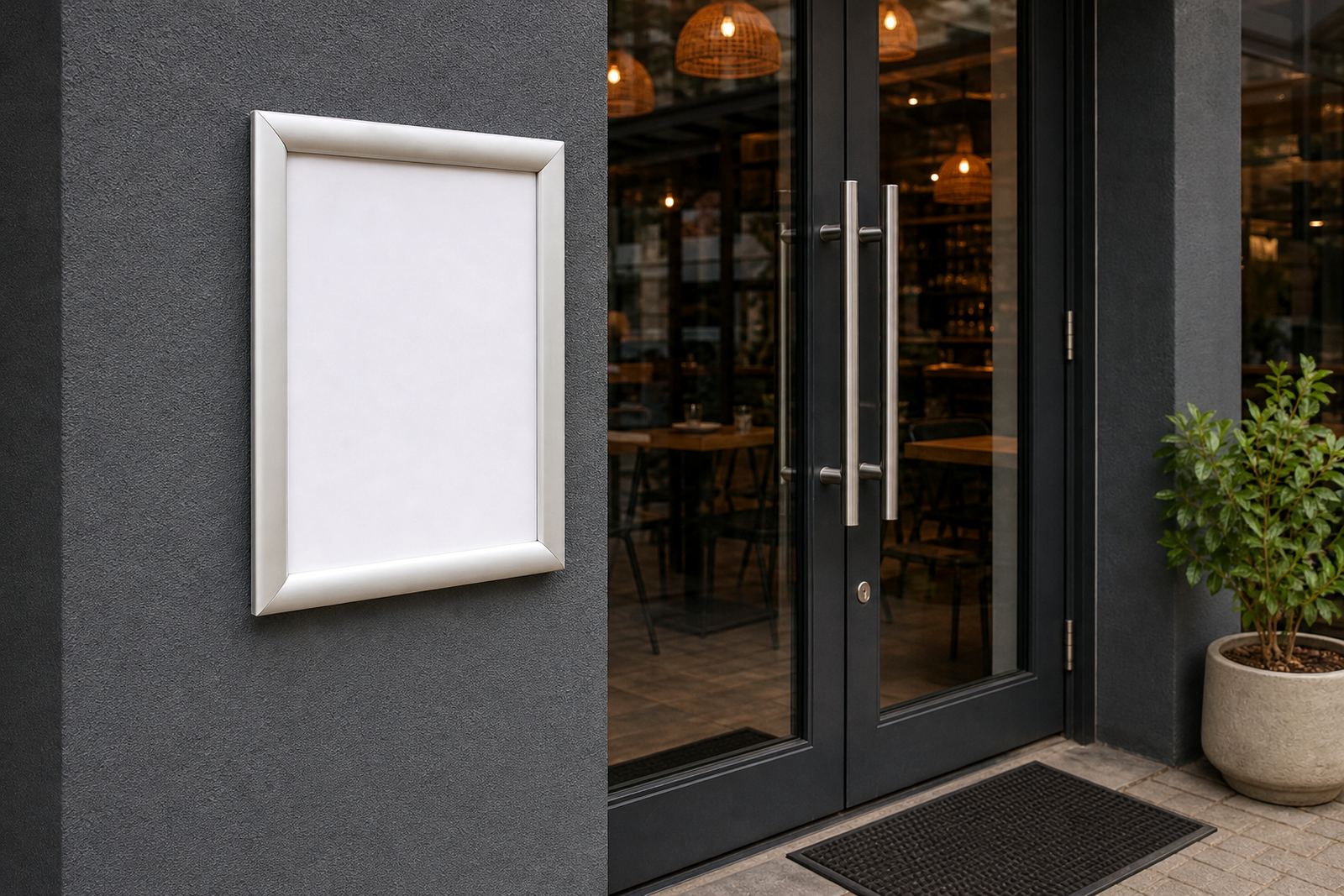

Corners that do the quiet work
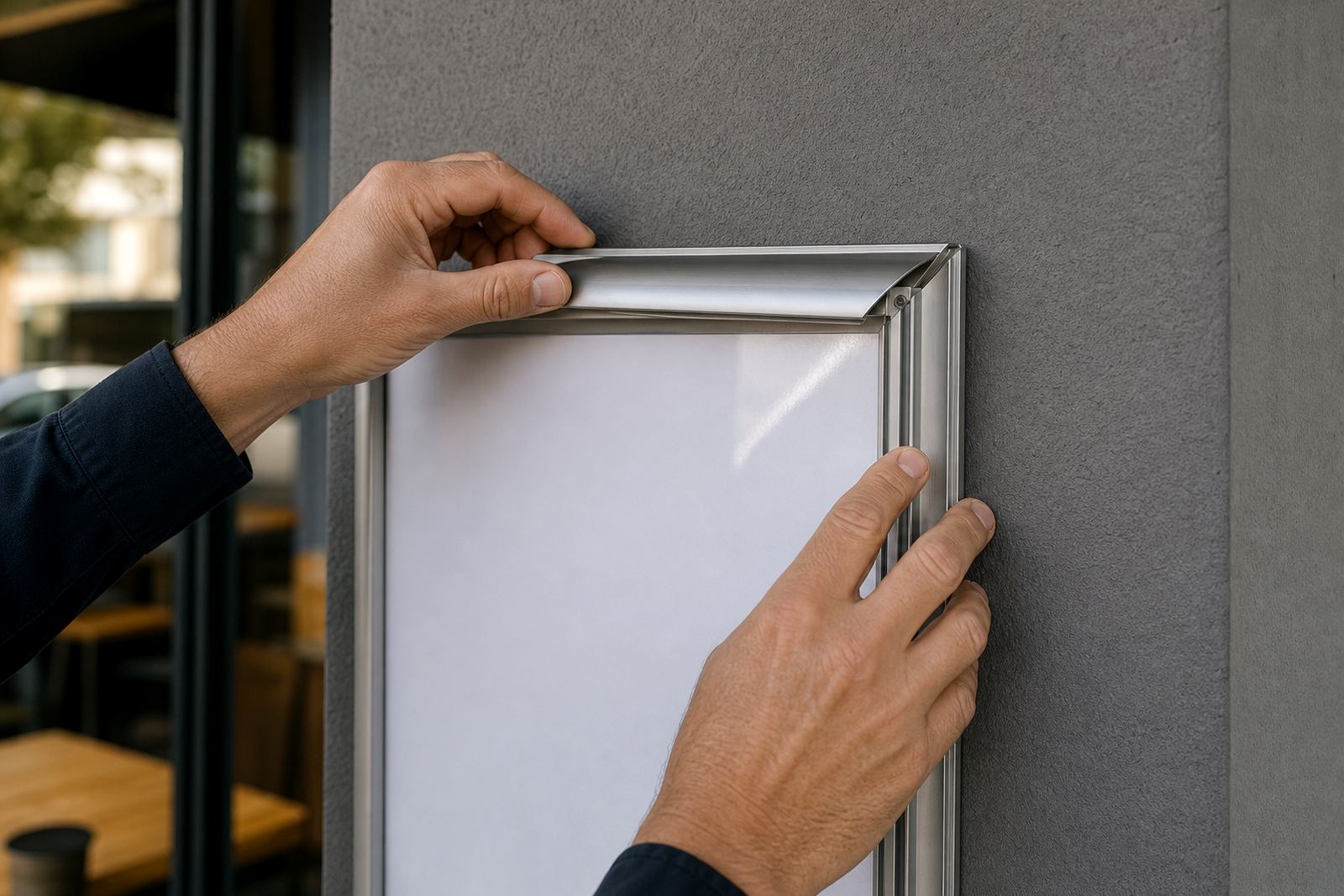
On a snap frame, the corners carry the day to day strain. Each opening and closing cycle puts pressure on the aluminium profile, the mitred join and the spring clip points, so a small nick or bend can spread into a wider gap.
Before the next menu insert goes in, run a finger along the edge and feel for sharp spots, lifted corners or a section that sits proud of the rest. That is often where dust gets in, and dust around the join can stop the cover from seating cleanly.
In Cape Town, where coastal air can sit on shopfronts and window frames, we often see a faint white mark around the corner first. It is not always serious, but it is a clear sign that the frame needs a closer look.
A short inspection for the profile and clips
The profile should close evenly on every side. If one corner clicks shut and the opposite one needs force, the frame is asking for a reset. Check that the hinge side and the opening side line up properly, because a slight twist can make the whole face look tired even when the board is still sound.
- Open the frame fully and look for bent clip arms.
- Check that the front edge meets the back edge evenly.
- Press each corner once to test the snap action.
- Look for dust, grease or sugar residue near takeaway counters.
- Confirm that the cover sheet sits flat without ripples.
A frame that closes cleanly should feel firm, not stiff. If the profile grabs on one corner, the insert can wrinkle and the menu will not lie flat. That is usually easier to fix before the new print goes in than after service has started.
Backing support matters more than people expect
The backing board carries the print insert and keeps the display flat. When that support bows, even a good menu sheet can look uneven. This shows up more on larger A3 frames, especially where the board has been lifted off and refitted many times.
For wall mounted boards, check the rear fixing points and make sure the support is still holding true. For window mounted units, look at the full contact area because heat from glass and daily movement can loosen the fit over time.
If the board flexes in the middle, the frame can still close but the insert will show a curve at the corners. That is the point where menu proofing and print finishing start to matter, because a neat print cannot hide a weak backing surface for long.
What to check during a menu swap
A menu swap is the best moment for a proper corner check. The frame is already open, the old insert is out, and any small fault is easy to see. Use that moment to catch wear before it becomes a visible fault on the customer side of the counter.
- Check the corner mitres for tiny splits or chips.
- Wipe the inside channel so the cover seals properly.
- Test the spring tension on all four sides.
- Make sure the insert size matches the frame format.
- Look at the anti glare cover for scratches or clouding.
If the frame is used for short run printing changes, the corners need even more care. Frequent opening and closing can loosen a fastener or shift a backing strip, and that is when the display starts to look untidy.
A4 and A3 frames do not behave the same
An A4 snap frame and an A3 snap frame may look similar, but they handle wear differently. A4 units are lighter and often used for specials, notices and quick menu inserts near tills. A3 boards carry more visual weight, so any corner flaw shows sooner from a distance.
With A3, the added size means more surface area and a bigger chance of bowing if the wall is uneven. With A4, the usual trouble is repeated handling at the same corner, especially on busy counter displays where staff turn inserts often during the day.
For takeaway counters in Paarl or Milnerton, where menus may change through the week, it helps to keep one spare cover sheet and one backup insert set aside. That small habit saves time when a corner scuff appears at the wrong moment.
Local example from a busy Cape Town counter
A coastal cafe in Paarden Eiland had a wall board near the entrance and an A-frame stand outside for breakfast specials. The front frame looked fine at first glance, but one lower corner would not sit flush. The problem was not the menu print, it was a slight bend in the profile from repeated movement on the pavement edge.
Once that corner was straightened and the backing board checked, the insert sat flat again and the frame closed properly. The team also switched to a clearer packing routine for courier delivery of replacement prints, so the frames arrived without bent edges or scuffed covers.
That sort of fault is common enough in service areas from Stellenbosch to Gqeberha. A quick corner check before the next menu change keeps the display neat, and it also makes it easier to spot when a frame needs resizing, reprinting or fresh finishing rather than another patch-up.
A small routine that pays off on the floor
A good frame check is not a long job. It is a short habit that starts with the corners and ends with the back support. For restaurants, cafes and takeaway counters, that routine keeps menu boards looking deliberate instead of worn.
If a frame starts snagging, showing a white stress line, or leaving a gap at one corner, it is worth stopping to inspect it properly. The right fix is often simple: clean the channel, reseat the insert, replace the cover or adjust the backing strip.
When the next menu change comes around, that little inspection can make the whole board feel tidier. It is the kind of detail that holds up well in South African shopfronts, where sun, salt air and steady handling all leave their mark.