
What the cover is doing between rushes
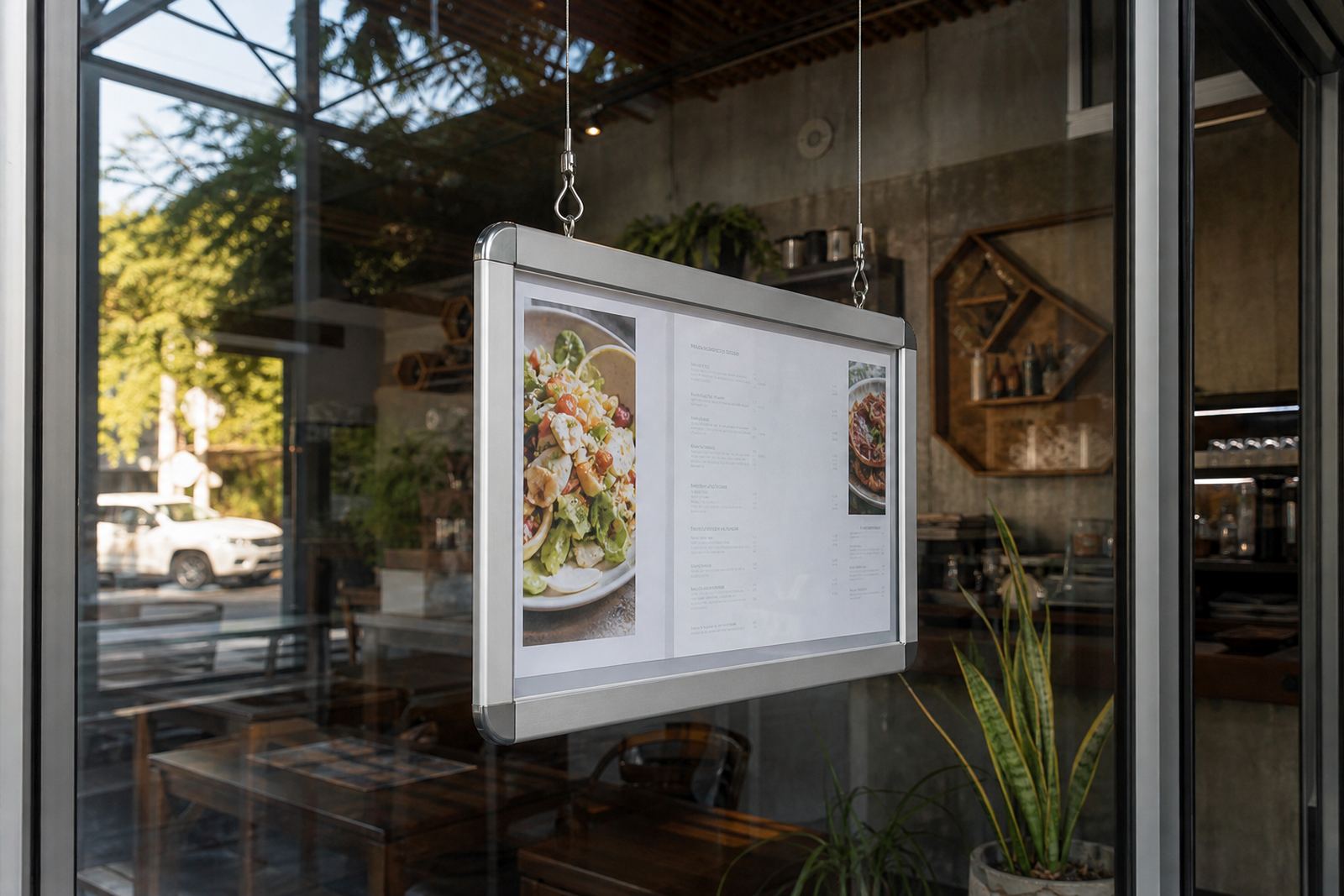
An anti-glare cover is not there only to keep dust off a menu. It also softens reflections from strip lights, shopfront glass and bright Cape Town sun, which helps the print stay legible from a short distance. On A4 and A3 snap frames, that top layer takes the brunt of fingerprints, cooking mist and the odd splash from a busy counter.
Because the surface is designed to reduce shine, it can show scratches if it is wiped with the wrong cloth or a gritty cleaner. The aim is not a perfect showroom finish every time, but a clean sheet that still protects the menu underneath and does not haze over after a few weeks of rough treatment.
The cloths and cleaners that do the least damage
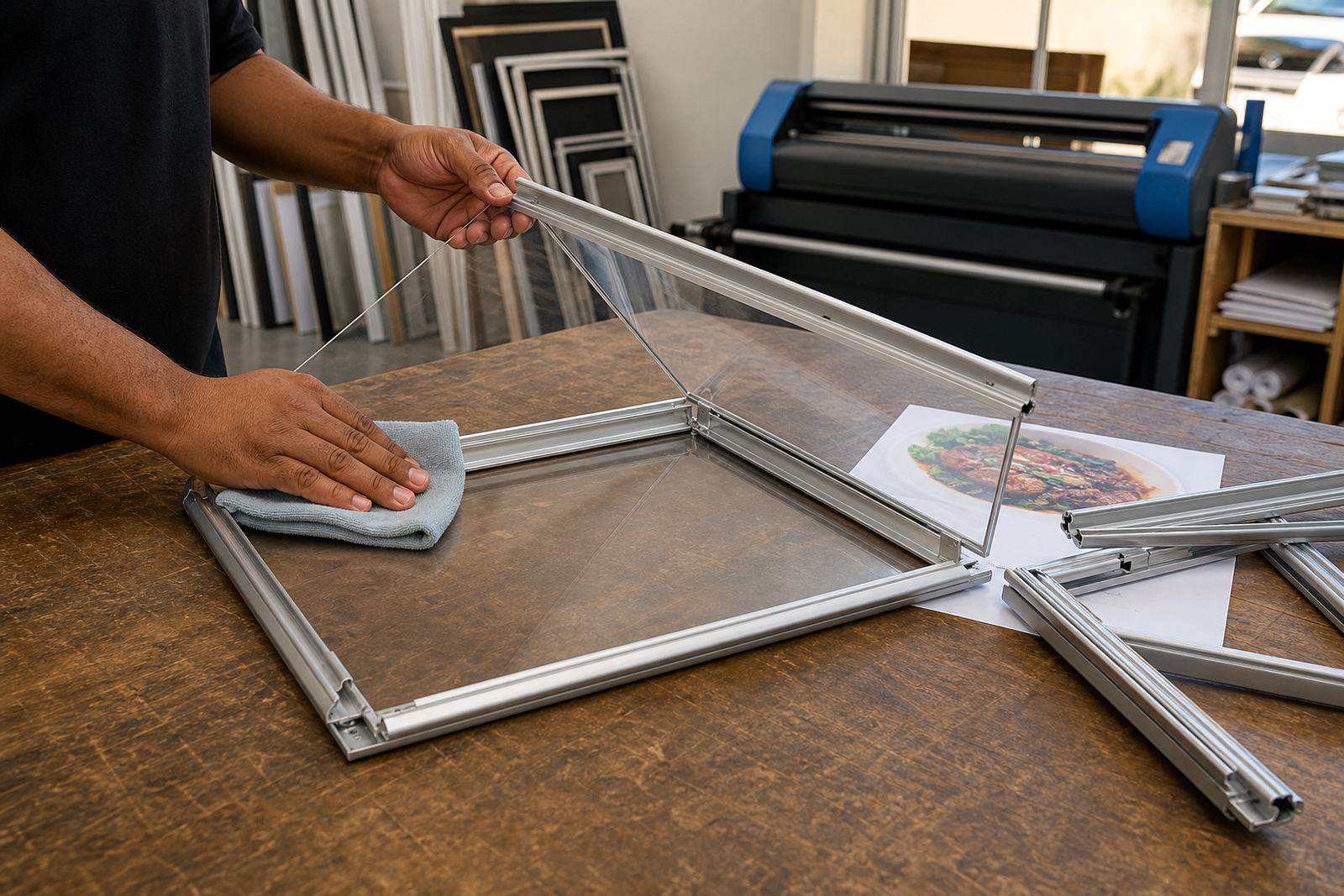
Soft, lint-free cloths are the safest place to start. Microfibre works well because it lifts dust rather than dragging it across the cover. A small spray bottle with clean water is often enough for daily marks, while a mild diluted soap solution can help with greasy fingerprints near fryers or coffee points.
- Use a clean, soft cloth, not a paper towel
- Wipe in straight passes, then turn the cloth to a dry side
- Keep abrasive powders and scouring pads away from the cover
- Never spray liquid directly onto the frame opening
Strong glass cleaners, solvent-heavy sprays and anything with grit can leave tiny marks on anti-glare material. Those marks build up fast on front-facing menus where customers lean in to read specials. A gentle wipe is slower, but it keeps the surface clearer for longer.
A steady cleaning routine for busy counters
In a restaurant or café, the cover usually needs more care than the menu sheet under it. A front-of-house team member can give the surface a quick wipe during opening checks, then do a fuller clean after lunch or at close when the area is calmer. Takeaway counters in Milnerton or Bellville often deal with sauce splatter, dust and constant hand contact, so the same frame may need attention more often than a wall-mounted board.
- Dust first, then wipe for marks
- Remove the menu insert before deep cleaning the cover
- Check the corners where dust settles inside the snap profile
- Dry the surface before closing the frame again
A simple routine also helps staff spot worn inserts, lifted edges or clips that are not closing properly. If the cover is not seated properly, cleaning water can creep into the opening and leave the print with marks that should not be there.
What to avoid when the frame sits near food and steam
Food counters are hard on clear covers. Steam from hot plates, oil from frying and fine flour in bake shops all find their way onto display boards. A cover near a grill line or coffee station should never be scraped with fingernails, metal tools or hard brushes, because those small cuts catch the light and make the whole surface look dull.
Do not wipe in circles with pressure if the cover already has fine grit on it. Lift the dust first. If the area is very greasy, rinse the cloth often so the dirt does not go back onto the plastic. In Durban, where humidity can sit heavy on shopfronts, a damp cover can also attract more dust than expected, so a dry finish at the end matters.
When the print underneath also needs care
Cleaning the cover is only half the job. If the print insert is curling, the edges may press against the inside of the cover and leave a line that looks like damage. That is common when menu sheets are cut slightly oversize or when laminated inserts are pushed into a frame with little slack. A snug fit is fine, but a sheet that buckles will make the cover harder to clean neatly.
For A4 and A3 menu boards, the best results usually come from matching the insert size properly before it goes behind the cover. If the menu changes often, short run printing and menu resizing help keep the sheet flat and easy to swap without pinching the surface. That matters on wall boards, window-mounted displays and A-frame stands where the cover is handled many times in a day.
A Cape Town counter that keeps its print readable
In Paarden Eiland, a takeaway counter close to the sea faces dust, wind and salt in the air. A clear cover on a front-facing menu frame can start looking cloudy long before the menu itself is due for an update. In that setting, staff usually do better with a daily dusting, a mild wipe for fingerprints and a careful check of the corners after closing.
The same routine works well in Stellenbosch cafés with bright windows, or in Gqeberha stores where sea air and kitchen steam meet on the same morning shift. The frame only needs a few minutes of care, but the menu behind it stays readable and the surface stays presentable for far longer.
A practical handover for staff and supervisors
When a business has several menu boards, it helps to keep the cleaning method the same across all of them. That way the staff member who wipes the A-frame stand outside is using the same soft cloth and the same light pressure as the person cleaning the wall menu board at the counter. It keeps the finish more even and reduces those random scratches that show up after a few weeks.
- Store spare cloths with the cleaning kit, not loose in a drawer
- Use one cloth for dust and a second for drying
- Keep replacement inserts flat so they do not crease under the cover
- Check each frame after cleaning to make sure it is fully snapped shut
That routine is basic, but it protects the look of the display and saves time later. A clean cover lets the print do its work, and the frame keeps its place at the counter without looking tired.