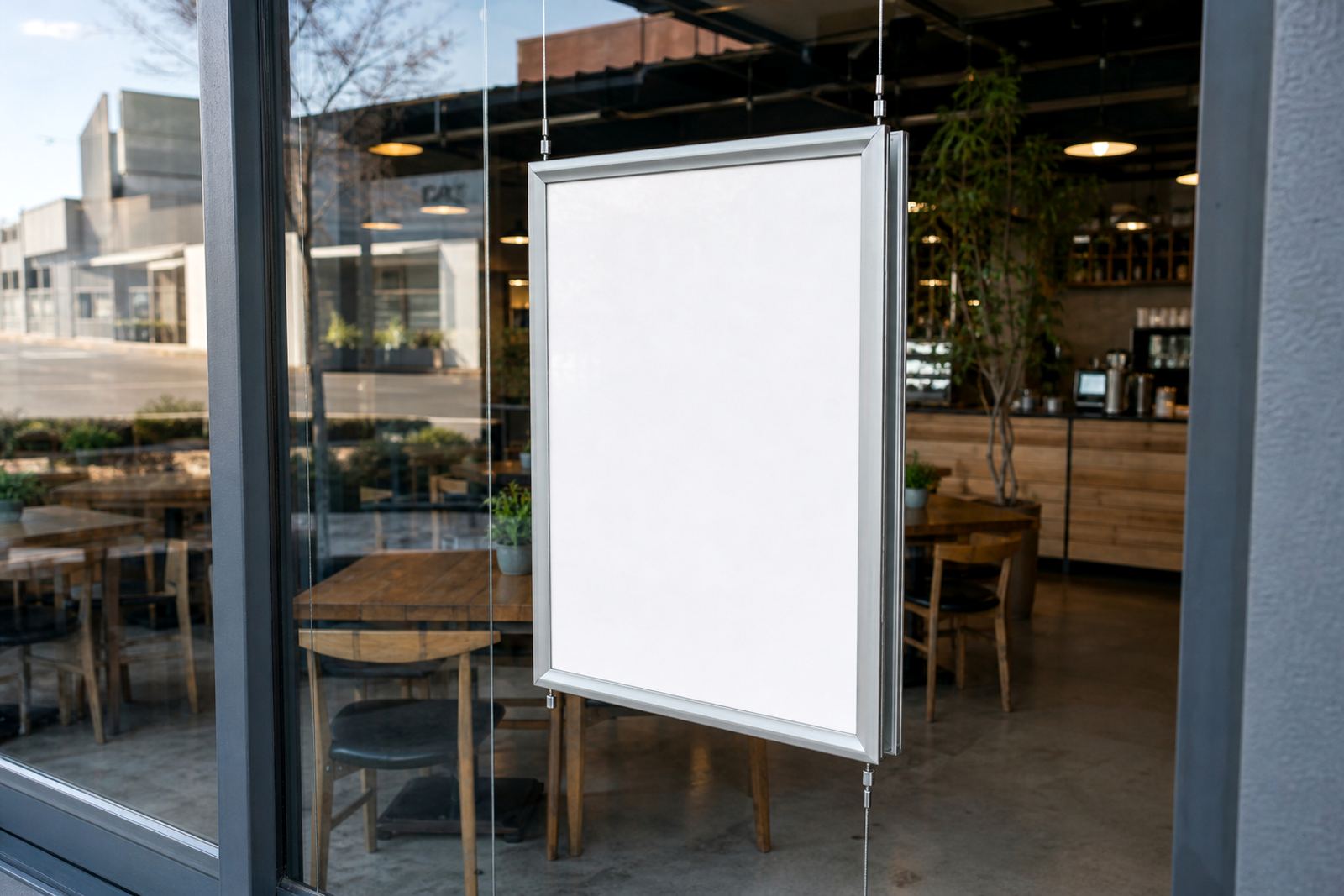

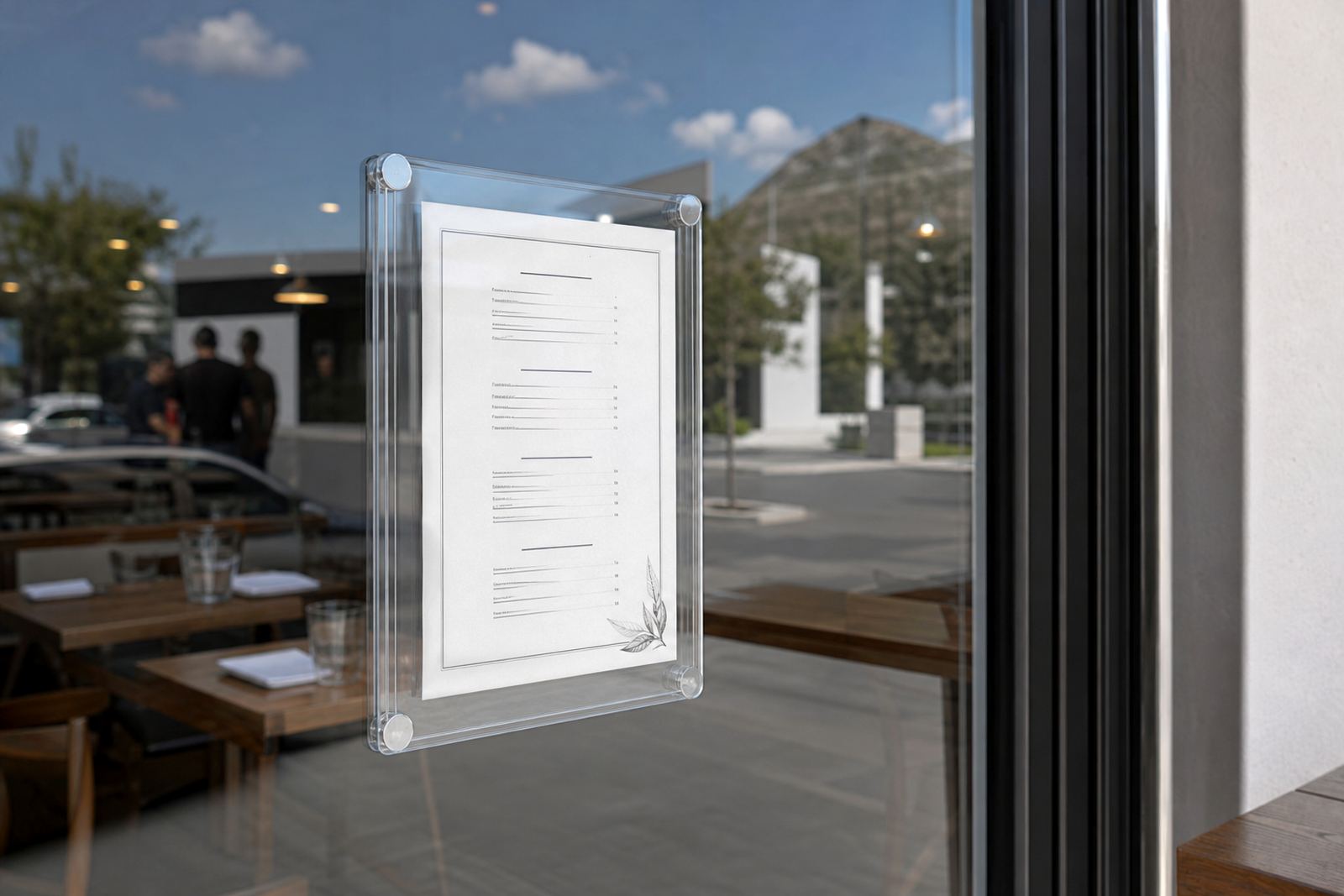
A slim pocket for glass-side menu display
The Magnetic Window Pocket is a shallow display pocket made for compact service windows where space is tight and the menu must stay easy to read from the street. It suits laminated sheets, printed inserts and lightweight price lists, with a clear front that keeps the layout visible without crowding the window line.
The body is usually made around a slim profile with a magnetic closure or magnetic edge grip, depending on the fit you need. That gives a neat hold on the insert while keeping the face flat enough for fast viewing. In busy takeaway counters, that matters because the window stays uncluttered, and the sheet can be changed without stripping the display apart.
- Made for lightweight paper or laminated inserts
- Clear face for menu visibility on glass
- Magnetic opening for quicker sheet changes
- Suited to small kiosks and narrow service windows
Sizes and build options that fit common menu sheets
Most orders are sized around A4 or A3 inserts, with a pocket depth set to suit the sheet thickness and the space behind the glass. A4 works well for tighter menu sets, daily specials and short takeaway lists. A3 is better when the menu needs larger type, more item lines or a clearer price block for passers-by at street level.
We can also set the pocket to match portrait or landscape layout, depending on where it sits on the window. If the display is going beside a till hatch or under a serving shelf, a slimmer profile may be better. For larger frontage, the same format can be repeated in a row so the window reads as one clean menu run rather than a patchwork of loose sheets.
- A4 pocket size for smaller menus and specials
- A3 pocket size for fuller lists and larger type
- Portrait or landscape layout options
- Slim profile for compact counters and glazing bays
Where the magnetic pocket suits best
This product is well suited to takeaway windows, coffee counters, bakery hatches and small service bars where staff need a menu that changes often. It also works in shops that serve from a street-facing opening in Cape Town, Stellenbosch, Johannesburg, Durban or Gqeberha, especially where sunlight and reflections can make loose posters hard to read.
Where the window gets direct light, an anti-glare cover helps to keep the text legible. In coastal areas such as Milnerton and Paarden Eiland, the frame should be wiped down regularly so salt air and fine dust do not mark the clear face. For indoor counters, the pocket can sit flush against glass or mount on a nearby wall panel if the window itself is busy.
- Takeaway counters and small food hatches
- Front windows with frequent menu updates
- Indoor or street-facing service points
- Sites with glare, dust or coastal humidity
Fitting notes for glass, wall or display panel
Installation depends on the surface and the finish around the opening. On glass, the pocket can be mounted with magnetic contact where the frame and glass line allow it, or fixed with hardware suited to the display panel beside the window. If the opening has a painted wall return or timber panel, the fixing points need to be laid out carefully so the pocket stays level and the insert sits flat.
The mounting face should be checked for depth, alignment and any lip or trim that could stop the display from closing properly. In a busy counter, a slight tilt can cause the sheet to shift and look untidy. Where staff are handling the menu many times a day, the fixing should be firm enough to avoid wobble but still allow the insert to change without stress on the frame.
- Glass mount where the window layout allows it
- Wall or panel fixing beside the hatch if needed
- Level fitting keeps the insert square
- Firm anchoring helps in busy service points
Care, cleaning and day-to-day handling
Keep the clear face clean with a soft cloth and a mild glass cleaner, then dry it with a lint-free wipe so the menu stays sharp. Strong solvents can cloud plastic covers over time, so lighter cleaning is safer for frequent use. If grease or flour dust builds up near a bakery or fried food counter, a regular wipe is worth the effort because the front panel shows fingerprints quickly under bright light.
When changing the insert, lift the magnetic edge carefully and avoid bending the sheet near the corners. Laminated menu prints last longer in windows that get handled often, and they hold their shape better when the air is damp. If the pocket sits in a sunlit opening, print stock and cover choice should be matched so the colours do not wash out too fast.
Order details to pin down before production
To size the Magnetic Window Pocket properly, we need the sheet size, the orientation, the number of inserts and the surface type. It also helps to know whether the menu will sit on a glass pane, a framed hatch or a wall panel next to the window. If the display needs a branded header, the artwork size and print finish should be confirmed with the same care as the insert itself.
- A4 or A3 insert size
- Portrait or landscape orientation
- Single or repeated menu layout
- Mounting surface: glass, wall or panel
- Need for anti-glare cover or laminated print
- Artwork format and colour matching notes
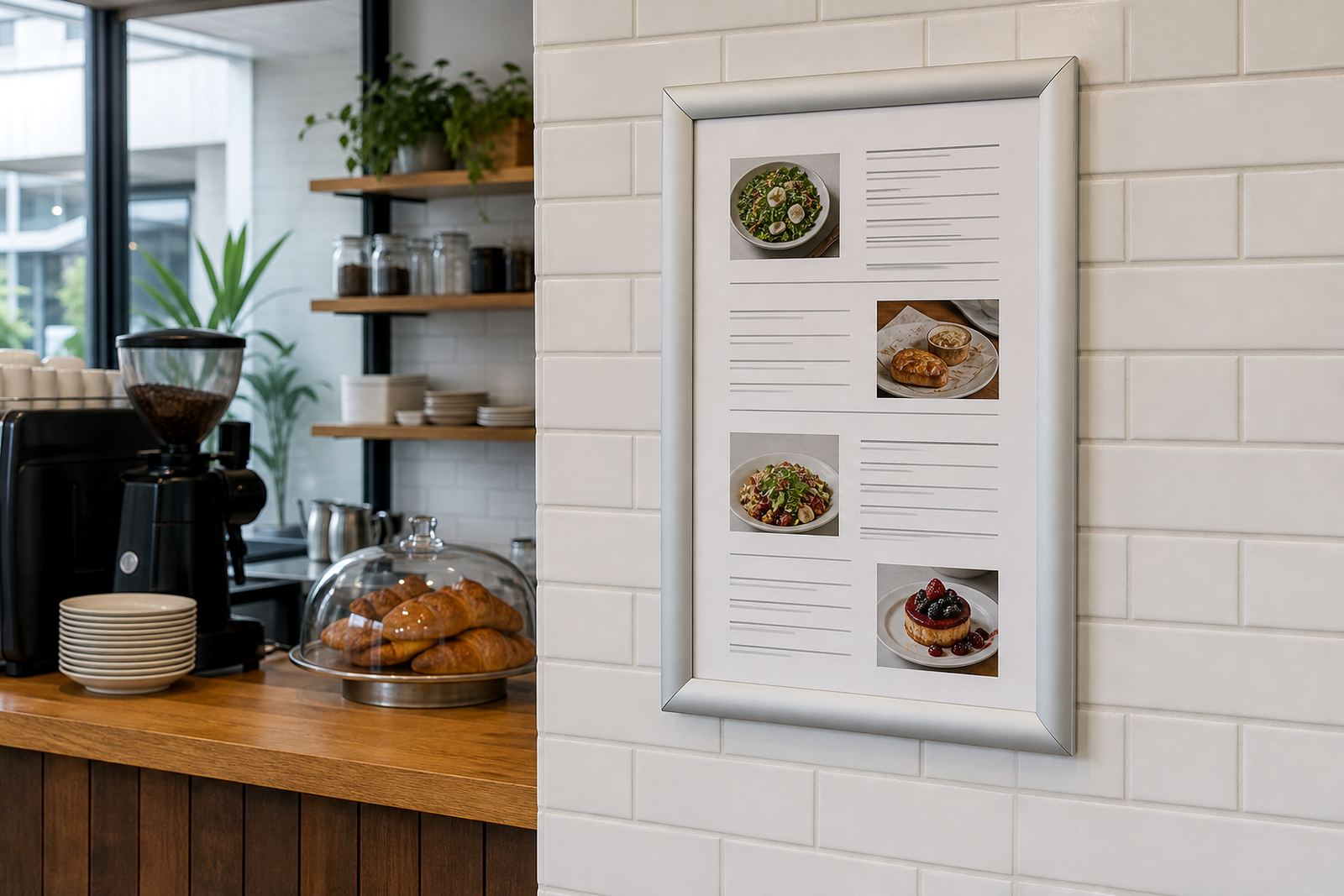
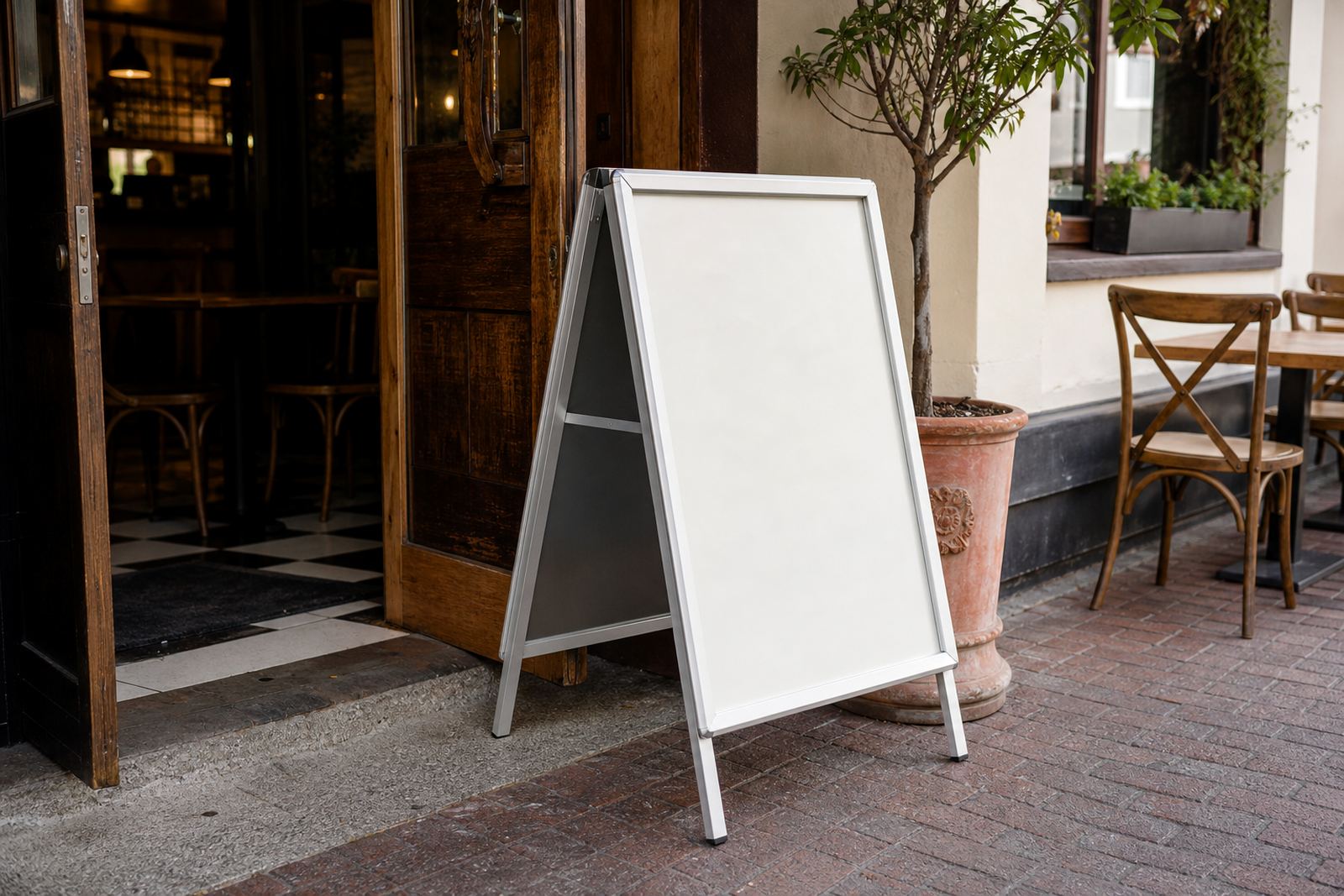
For paired menu systems, the pocket can work alongside wall menu boards, A-frame stands and chalkboard specials so the front window and the counter area carry one clear menu language. That keeps the display neat when specials change, and it reduces the chance of odd-size prints cluttering the opening.