
A lit frame built for menu boards that stay in view
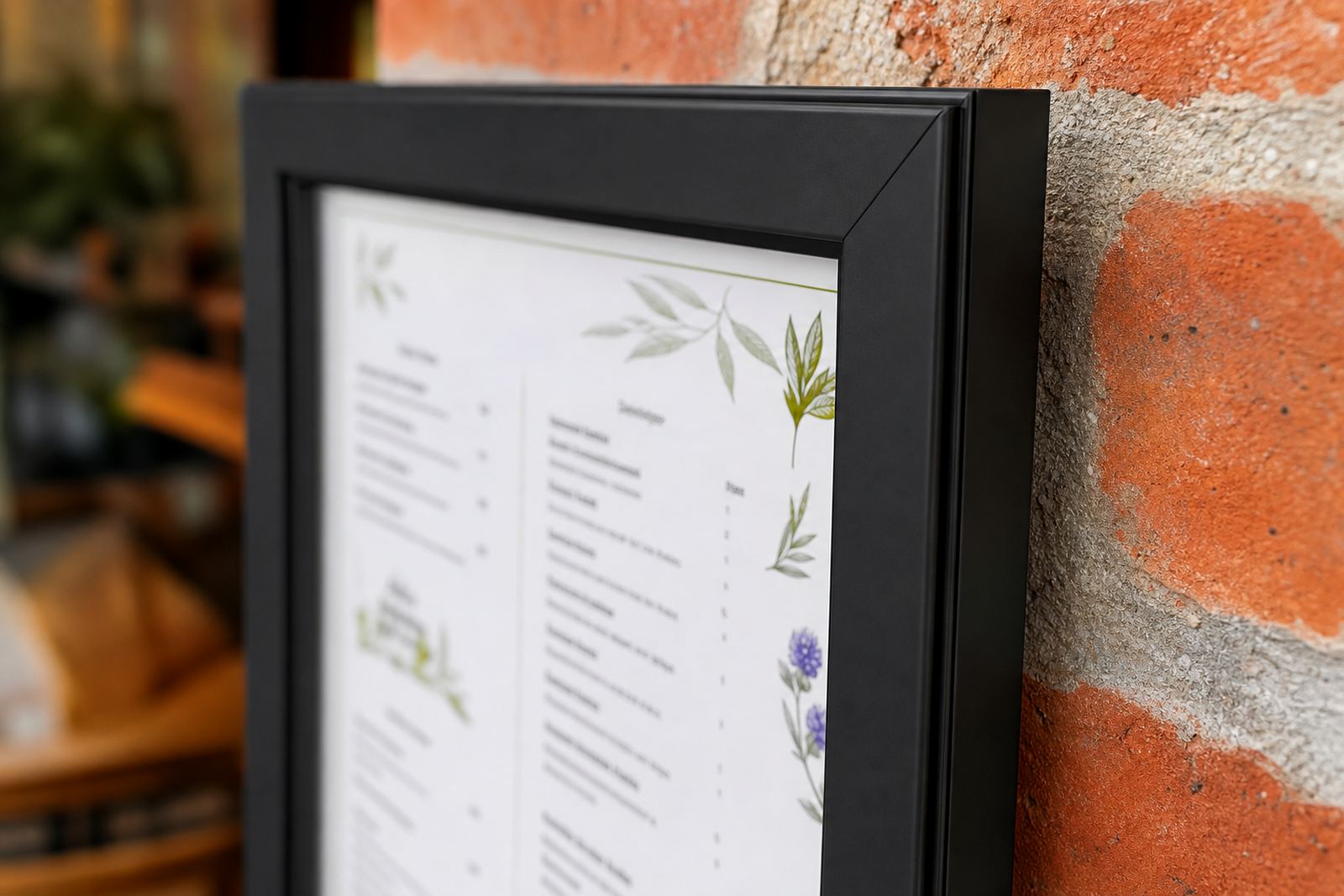
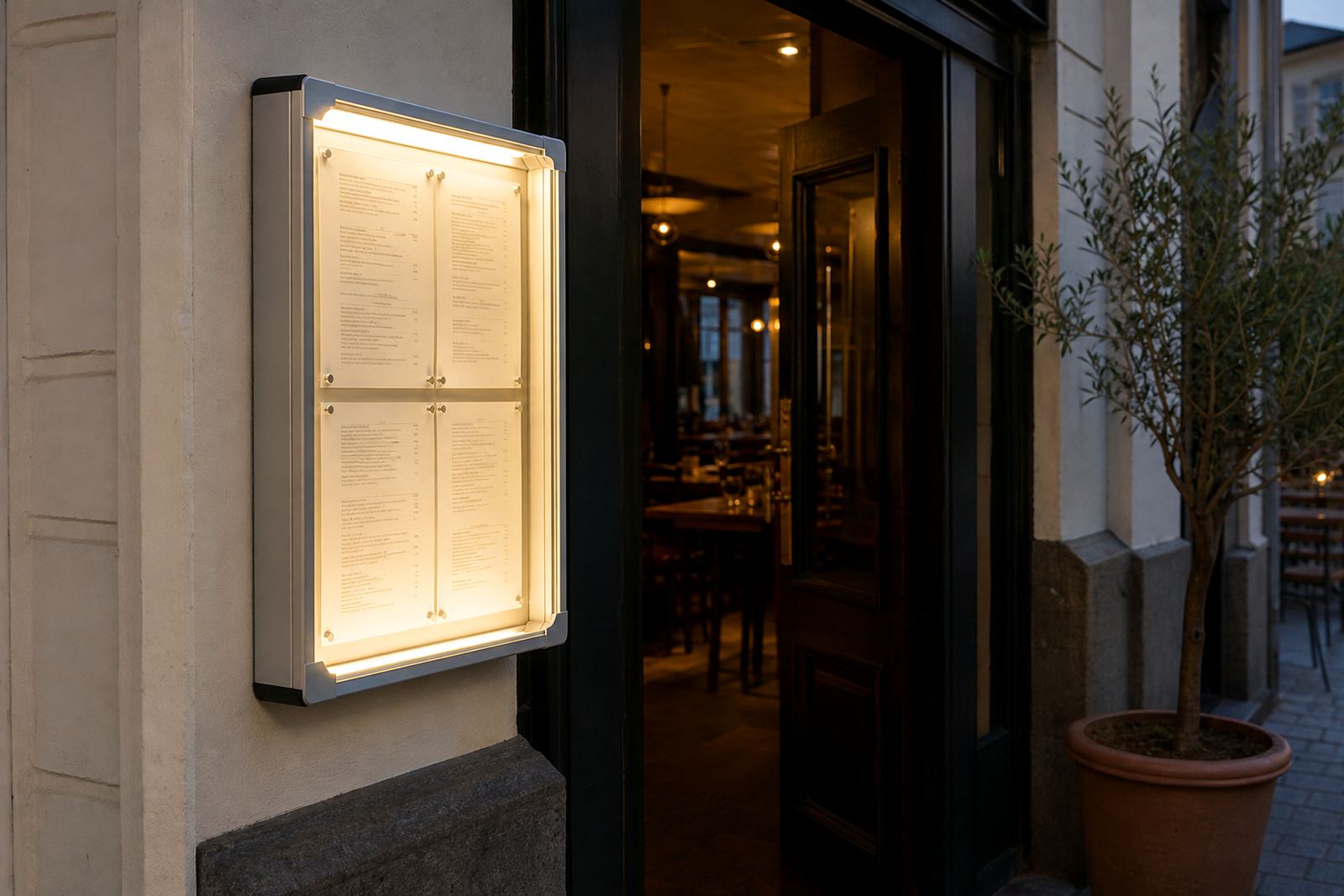
An illuminated menu case is a framed display with internal lighting behind a printed menu sheet or insert panel. The face is usually a slim aluminium profile with a clear front cover and a white back board or diffuser, so the text reads cleanly instead of sinking into a dark room. The effect suits menu boards that need to carry breakfast items in the morning and evening specials after trading hours, without changing the whole display.
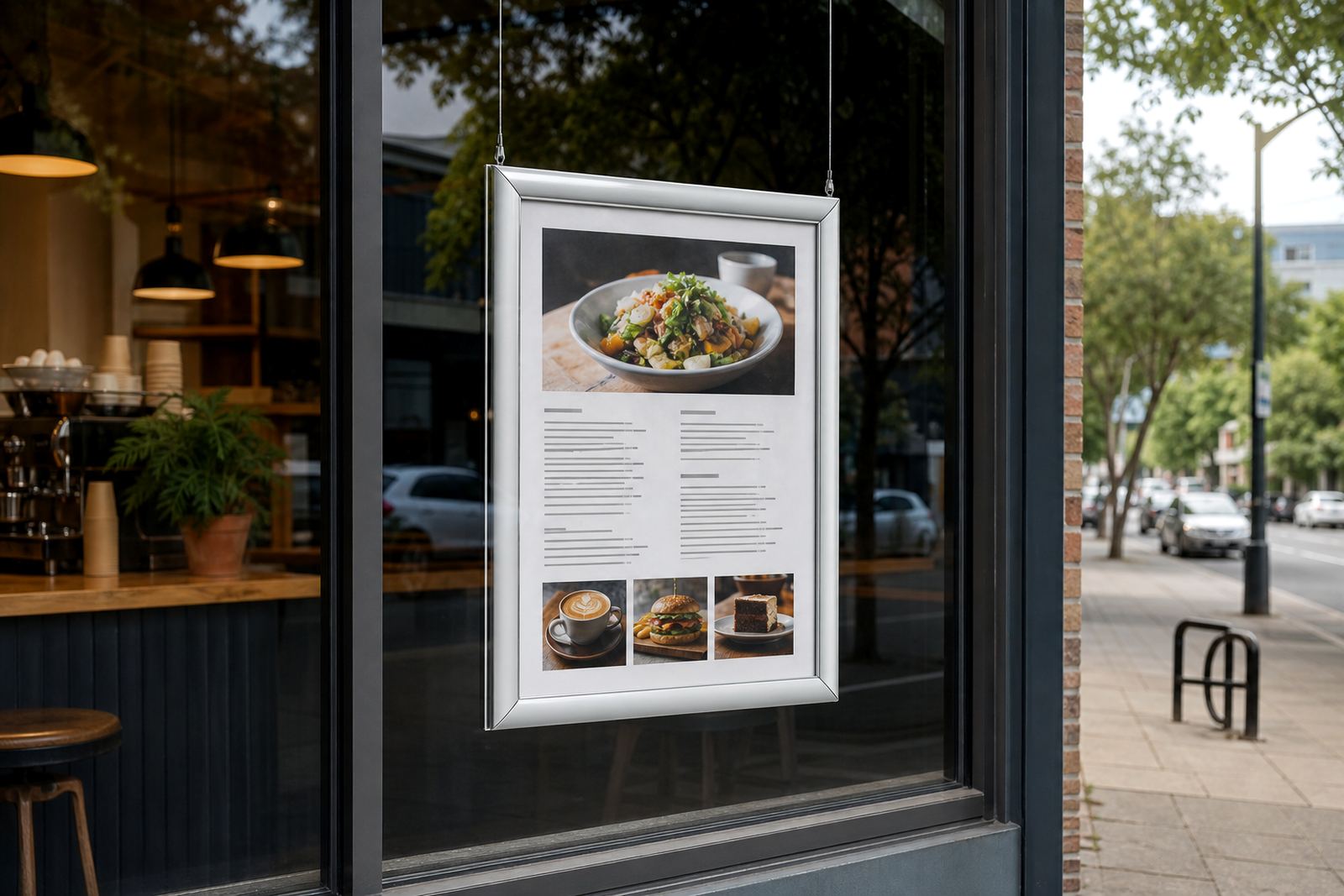
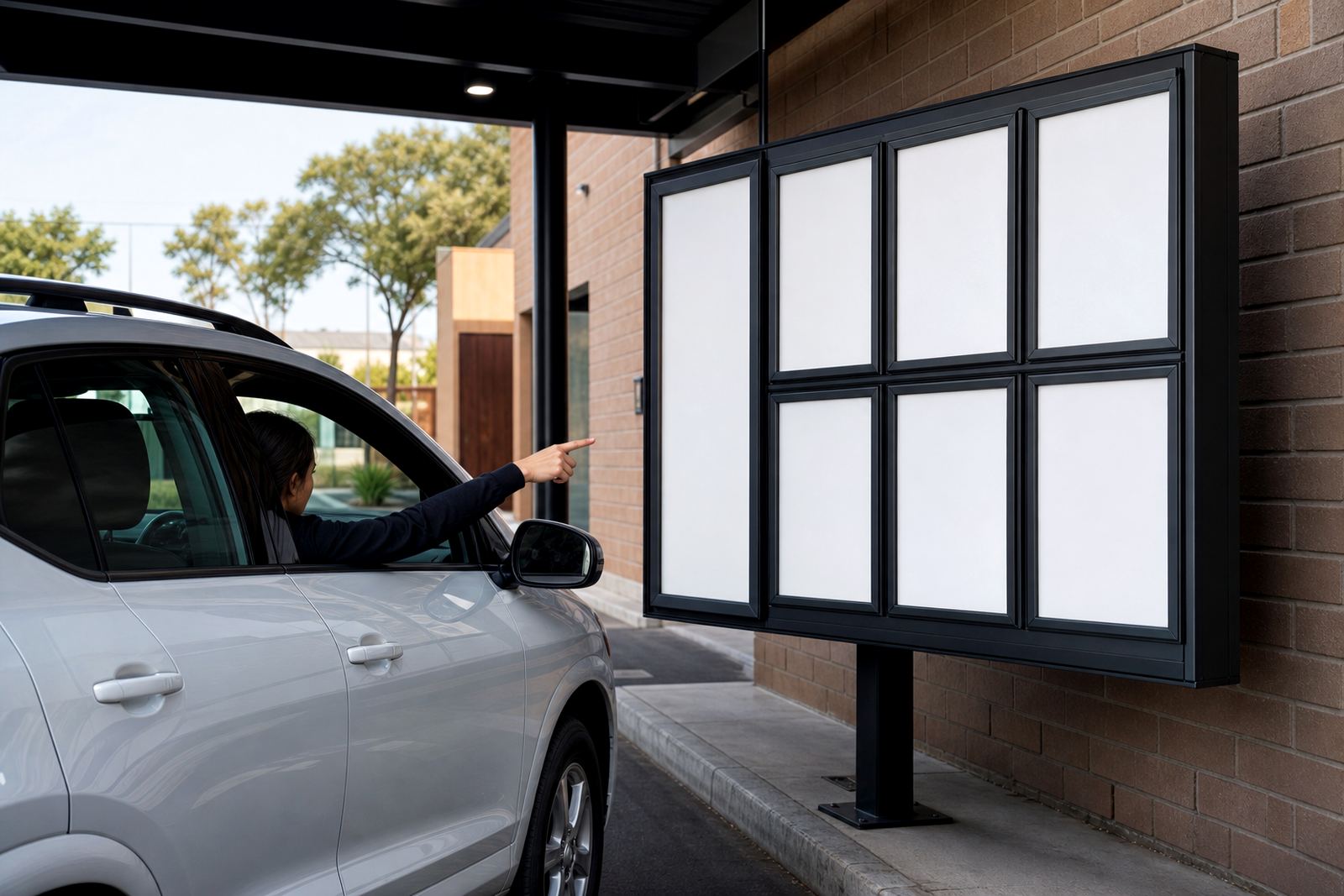
For restaurants and cafes, the frame is used for fixed menu boards at the counter, beside the till or on a wall near the entrance. In takeaway shops it helps with price boards and meal lists where customers need to read quickly. The case can be used on a wall, in a window line or above a service area, depending on the viewing angle and the amount of light around it.
Sizes, profiles and display choices that fit the space
Common working sizes include A4 and A3 formats, with larger custom boards for full menu layouts or a grouped set of specials. A4 suits tight wall spaces, table-side notices and focused insert boards. A3 gives more room for category headings, item descriptions and pricing that needs breathing space. Larger custom sizes are useful when the menu must be seen from further back, especially in wide counters or shopfront windows.
- Aluminium snap profile for quick insert changes
- Anti-glare front cover for clearer viewing under bright fittings
- Wall mounting brackets for fixed menu positions
- Window facing options for shopfront visibility
- Single or multiple panel layouts for separate meal sections
- Portrait or landscape orientation, depending on the artwork
Menu boards can also be paired with chalkboards where daily specials change often, while the main prices stay in a lit case. That mix suits cafes and bars that update a few items often but keep the core list stable.
Where the illuminated case earns its place
These cases suit dining rooms with lower ambient light, cocktail bars, hotel lounges and fast-moving takeaway counters. They also work well in mall food courts where strong overhead lighting can wash out printed menus. A lit case gives the menu a steady edge, especially where people decide quickly and move along the queue.
In Cape Town, coastal moisture can show up on hardware and around window-facing displays, so the frame finish and fitting points matter. A sealed print insert, correct cover fit and neat edge finishing help keep the board looking tidy in places with humidity or salt air. For busy counters, the case should be positioned where staff can update inserts without blocking service, and where customers can read it without leaning in.
- Restaurants with evening trade and dimmer interiors
- Cafes using set menus, breakfast boards and specials
- Bars listing drinks, snacks and late items
- Takeaway counters needing quick price reading
- Window displays that need visible menu copy after dark
Fitting, wiring and on-site planning points
An illuminated menu case needs a sound wall fix or framed support, plus access to a power point where the lighting is built into the unit. The fitting height should suit the average reading line of the customer and leave enough room for staff to open the snap edge and change inserts. For larger boards, the mounting surface must take the weight of the frame and keep it level, especially where the board is read across a counter.
Before fitting, it helps to confirm the exact wall area, the board orientation and whether the case will sit flat on plaster, tile, timber or a window frame. If the display is going into a shopfront or entrance area, the electrician and the fitment team should agree on cable entry, switch position and hiding the cable run. On a busy service wall, neat positioning matters as much as the print itself.
For new sites and refurbishments, the menu layout should be checked against the viewing distance. A menu that is readable at 1.5 metres can look crowded if it is forced into a narrow frame, so the artwork size and board size need to match the actual wall space.
Keeping the face clear and the light even
Routine care is straightforward. Wipe the front cover with a soft cloth and a mild cleaner, then dry it so streaks do not catch the light. Avoid rough pads that scratch the clear face or cloud the anti-glare layer. If the menu insert is laminated, handle the edges cleanly so dust does not collect where the snap frame opens.
Inside a coastal shopfront, keep an eye on surface dust and condensation around the edges. That matters most where the case is mounted near doors, windows or open serving points. A clean insert and a bright, even panel make the menu easier to read than a dirty cover with the same lighting. For chalkboard sections, use suitable chalk pens or chalk sticks and clean them fully before relisting the board.
- Clean the clear face with a soft non-abrasive cloth
- Check that the snap edge closes evenly on all sides
- Keep printed inserts flat and dry before fitting
- Replace faded prints before they lose contrast
- Inspect wiring and fittings during regular shop checks
Order details that should be settled before print and fitting
When ordering an illuminated menu case, confirm the finished size, orientation, mounting position and print format. It helps to know whether the menu will use one fixed insert or a sequence of seasonal changes, because that affects the frame size and the print setup. If your menu needs logos, food icons or a price list, the layout should be planned so the text remains legible under artificial light.
Also confirm whether the unit will sit in a front window, on a wall behind the counter or beside a till point. That affects glare, cable routing and the reading angle. If the case is part of a wider menu wall with other boards, measure the full run and note any nearby lights that may reflect off the cover. Clear measurements save rework on the print side and keep the finished board aligned with the rest of the display.
For multi-site rollouts across Cape Town, Stellenbosch, Johannesburg, Durban and Gqeberha, the same frame format can be used with different regional menu inserts. That makes menu updates easier when pricing or item names shift between branches.
Print formats that sit neatly inside the frame
The insert usually starts with a print-ready menu layout at the chosen size, then gets trimmed to suit the snap profile. A4 and A3 are the most common starting points, though larger sheets can be used where the board is meant to carry a fuller list. Laminated menu prints are useful where staff handle the insert often, while poster insert printing works well for larger notice-style layouts.
Good menu proofing matters before the insert goes to print. Spellings, prices, spacing and line breaks should be checked against the actual frame size so nothing sits awkwardly under the cover lip. If the board is used for specials, the layout should leave room for short changes without forcing a full redesign each time. That keeps the case neat and the print readable from the front of house side.
Key facts
| Product type | Illuminated menu case for menus and specials boards |
|---|---|
| Common sizes | A4, A3 and custom larger formats |
| Frame material | Aluminium profile |
| Front cover | Clear anti-glare cover |
| Mounting | Wall mounted, window facing or supported display fit |
| Lighting | Internal illuminated display with power connection |